

TL;DR:
- Structured workflows rely on habits and planning, outperforming motivation in achieving goals.
- Effective workflows combine suitable tools, clear frameworks, and regular reviews to adapt to changes.
- Building simple, consistent systems that reduce decision fatigue increases long-term progress and sustainability.
Most people assume that falling short of their goals means they didn’t try hard enough. That’s the wrong diagnosis. Structured systems yield a 3-6x performance boost over willpower alone, yet most students and young professionals still bet everything on motivation. A personal development workflow changes that equation. Instead of relying on how you feel on a given Tuesday, you build a repeatable system that moves you forward regardless of mood or energy. This article breaks down the science behind structured workflows, the tools that power them, how to personalize them, and how to track whether they’re actually working.
Table of Contents
- Why workflows outperform willpower: The science of structured success
- Building blocks of a personal development workflow: Tools, habits, and frameworks
- Adapting workflows to your goals and constraints
- Tracking progress and refining your system: Metrics that matter
- Why personal development workflows succeed where motivation fails
- Start optimizing your workflow today with tailored tools
- Frequently asked questions
Key Takeaways
| Point | Details |
|---|---|
| Structure beats willpower | Following a personal development workflow leads to predictable progress and greater productivity than relying on motivation alone. |
| Right tools matter | Choosing simple, reliable digital tools makes tracking and task management effortless and boosts retention. |
| Customize for your needs | Tailor your system to your goals, energy, and schedule for realistic long-term success. |
| Track outcomes, not activity | Reviewing metrics and outcomes helps refine your workflow and avoid just staying busy. |
Why workflows outperform willpower: The science of structured success
Willpower is a finite resource. You wake up with a set amount of it, and every decision you make chips away at that supply. By the time you sit down to study or tackle a project, much of that reserve is already spent on smaller choices. That’s not a character flaw. That’s biology.
This is exactly why structured workflows exist. A workflow is a sequence of recurring steps that runs on habit and design rather than motivation. When you don’t have to decide when to review your notes or how to prioritize your tasks, you spend less mental energy and get more done. Think of it as building a track for your train to run on, so you’re not constantly steering.
“Implementation intentions,” the research term for planning exactly when and where you’ll act, are what make workflows so powerful. Without them, 50% of goal attempts fail before they gain traction.
The numbers back this up clearly. According to a productivity science review, structured planning beats unstructured effort across nearly every study measuring long-term output. The gap isn’t small, either. We’re talking about a meaningful multiplier on your results, not a marginal improvement.
Here’s what a real workflow looks like in practice:
- Daily task review: Each morning, spend five minutes confirming your top three priorities.
- Weekly reflection block: Every Sunday, review what you finished and what rolled over.
- Milestone checkpoints: Monthly reviews to assess whether your goals still make sense.
- Buffer time: Scheduled gaps between tasks to absorb unexpected demands.
The key insight is that a workflow isn’t a single habit. It’s a system of habits that reinforce each other. You can explore how this plays out day-to-day with daily workflow optimization strategies that go deeper into building these loops. The predictability this creates is what makes progress feel less stressful and more automatic over time.
Building blocks of a personal development workflow: Tools, habits, and frameworks
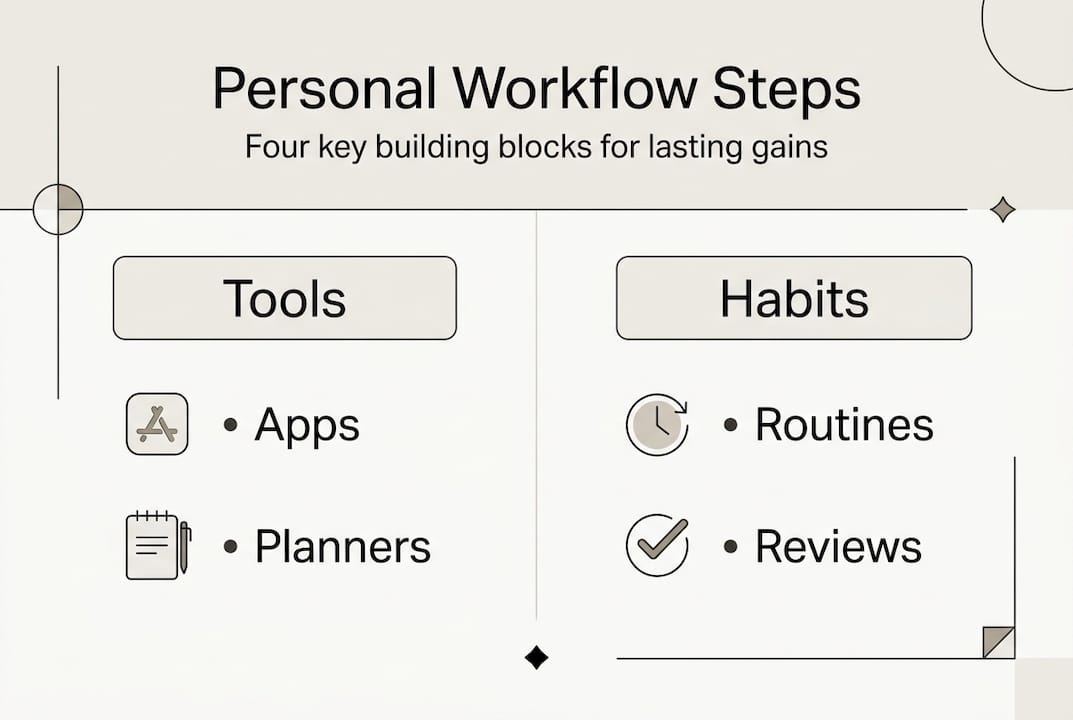
Knowing that structure works is step one. Building the actual structure is step two. A functional workflow combines three things: the right tools, consistent check-ins, and a tracking method that tells you whether the system is doing its job.
Let’s start with tools. The market is crowded, but a few platforms stand out for students and young professionals. Digital notes improve student retention by 74%, which makes choosing the right platform a real academic advantage, not just a preference.
| Tool | Best for | Key feature |
|---|---|---|
| Todoist | Task tracking | Clean interface, recurring tasks |
| Notion | Custom systems | Flexible databases and templates |
| Optio | Students and young professionals | Roman-themed, team and time management |
Beyond tools, you need a framework to organize how you think about your work. Three popular systems are worth knowing:
- GTD (Getting Things Done): Capture every task into a trusted system, then process and prioritize. Great for clearing mental clutter.
- PARA (Projects, Areas, Resources, Archives): Organizes information by how actionable it is. Works well for knowledge-heavy workflows.
- Time blocking: Assigns specific tasks to specific time slots. Reduces the “what should I do now” paralysis.
Pro Tip: Don’t try to combine all three at once. Pick the framework that matches how your brain already works, then layer in a second system only if you hit a genuine gap. Tool overload is one of the fastest ways to abandon a workflow entirely.
If you’re just getting started, the goal is to build a workflow that works for your actual schedule, not an idealized version of it. And if you’re still figuring out which tools fit your style, a comparison of organization tools for students can help you narrow it down without the guesswork.
The most effective workflows aren’t the most elaborate ones. They’re the ones you actually use consistently.
Adapting workflows to your goals and constraints
Here’s the part most productivity advice skips: a workflow that works for someone else might completely fail for you. Not because you’re doing it wrong, but because your goals, environment, and energy patterns are different.
Overly challenging goals reduce motivation rather than increasing it, and systems that ignore energy management tend to collapse under real-world pressure. A rigid daily plan built for a distraction-free environment will fall apart the moment your roommate’s schedule changes or a deadline shifts.
The fix is building adaptability into your workflow from the start. Here’s a simple four-step framework:
- Identify your goal clearly. Vague goals produce vague action. “Study more” becomes “complete two chapters of organic chemistry by Thursday.”
- Map the tasks required. Break the goal into specific, completable actions. Each task should take no more than 90 minutes to finish.
- Add buffers. Build in 20-30% extra time around your estimates. Distractions are not exceptions. They are the norm.
- Review and adapt weekly. What worked? What didn’t? Adjust your next week based on evidence, not hope.
The difference between a rigid plan and an adaptive workflow shows up clearly when you compare approaches:
| Approach | Rigid daily plan | Adaptive task blocks |
|---|---|---|
| Response to disruption | Falls apart | Absorbs and adjusts |
| Energy management | Ignores it | Built around it |
| Flexibility | Low | High |
| Sustainability | Short-term | Long-term |
For students, this might look like a study planner that shifts based on exam proximity. For young professionals, it might be a project tracker that rebalances weekly based on client demands. The structure stays constant. The content inside it flexes.

Learning solid prioritization techniques is what makes this adaptability possible without losing focus on what actually matters.
Tracking progress and refining your system: Metrics that matter
Building a workflow is only half the job. The other half is checking whether it’s producing real results or just keeping you busy. Busyness and progress are not the same thing, and a lot of people confuse the two.
The key is shifting from activity-based tracking to outcome-based tracking. Measure outcomes, not the number of hours you logged or tasks you checked off. What matters is whether you moved closer to your actual goal.
Here are the metrics worth tracking in a personal development workflow:
- Tasks completed vs. tasks planned: Are you consistently finishing what you set out to do?
- Milestones reached: Are you hitting the bigger checkpoints that signal real progress?
- Skill growth indicators: Can you do something now that you couldn’t three months ago?
- Energy and focus patterns: When are you most productive? Is your schedule built around that?
Pro Tip: Imperfect tracking beats no tracking every time. A quick five-minute end-of-day note is more valuable than a detailed system you never use. Start with one metric and add more only when the habit is solid.
The review rhythm matters as much as the metrics. A weekly reflection catches small problems before they become big ones. A monthly review tells you whether your workflow is aligned with your actual goals or just running on autopilot. Use task management tools that make this review process easy and visual, so you can see patterns without digging through notes.
When something isn’t working, replace it. When something is working, protect it. That’s the entire philosophy of workflow refinement in two sentences.
Why personal development workflows succeed where motivation fails
Here’s something worth sitting with: the real value of a workflow isn’t that it makes you more productive. It’s that it makes progress feel less exhausting.
Motivation requires you to constantly re-decide to act. A workflow removes that decision. When your system tells you what to do next, you don’t have to fight yourself to start. That reduction in decision fatigue is where most of the gain actually comes from, and it’s rarely mentioned in productivity content.
After reviewing expert insights on productivity systems, one pattern stands out: the people who succeed long-term aren’t using the most sophisticated systems. They’re using simple, consistent ones they’ve iterated on over time. They combine elements of GTD and PARA. They swap tools when a better fit appears. They measure outcomes, not activity.
The trap most people fall into is optimizing for the feeling of productivity rather than the results of it. A color-coded calendar feels productive. Actually finishing the project is productive. Those aren’t always the same thing.
If you’re comparing approaches, a student time management comparison can show you where different systems actually diverge in practice. The bottom line is this: build a system that reduces friction, tracks real outcomes, and adapts when life changes. That’s what lasts.
Start optimizing your workflow today with tailored tools
You now have the framework. The next move is putting it into practice with tools built for the way you actually work. Optio is designed specifically for students and young professionals who need task, team, and time management in one place, without the bloat of enterprise software.

As your second-in-command, Optio helps you structure your workflow, track your progress, and adapt your system as your goals evolve. Whether you’re looking for a curated list of essential time management apps, a deeper look at best task management software, or a step-by-step guide to building an academic productivity workflow, the resources are ready. Your next mission starts now, Centurion.
Frequently asked questions
What is a personal development workflow?
A personal development workflow is a structured set of recurring steps and tools designed to create steady, predictable progress toward your personal or professional goals. Unlike one-off efforts, it runs on habit rather than motivation.
Which tools are best for building a personal workflow?
Popular options include Todoist for task tracking, Notion for customization, and Optio for student and young professional-focused workflows. The best tool is the one that fits your actual habits, not the most feature-rich option.
How can I keep my workflow from getting overwhelming?
Focus on one or two tools, start with a single framework, and review your process weekly to catch friction early. Avoiding tool overload is one of the most consistent lessons from long-term productivity research.
What if I lose motivation or encounter setbacks?
Build buffer time into your schedule, design your environment to reduce distractions, and treat your workflow as something you adapt rather than abandon. Energy management is what keeps a system running when motivation dips.
Recommended
- How to Increase Motivation: Achieve Your Goals Effectively – Optio Station: Best Project Management App for Prioritization
- How to create personal action plans: Boost success by 42% – Optio Station: Best Project Management App for Prioritization
- Streamline your progress report workflow: a guide – Optio Station: Best Project Management App for Prioritization
- 7 Practical Work Goal Examples for Students and Professionals – Optio Station: Best Project Management App for Prioritization
