

Did you know that 78% of college students and young professionals prioritize task tracking, deadline reminders, and collaboration tools as their most essential software features? Many struggle to manage assignments, group projects, and work tasks efficiently without the right tools. Project management software bridges this gap by offering organized workflows for task, team, and time management. This guide explains what these tools are, which features matter most, how popular options compare, and how to choose the perfect fit for your needs.
Table of Contents
- Understanding Project Management Software And Its Importance
- User Needs: What Features Matter Most For Students And Young Professionals?
- Common Misconceptions About Project Management Software
- Comparing Popular Project Management Software Options
Key takeaways
| Point | Details |
|---|---|
| Core functions | Project management software helps you organize tasks, collaborate with teams, and manage time through integrated digital tools. |
| Essential features | Task tracking, deadline reminders, and real-time collaboration tools are most valued by students and young professionals. |
| Popular options | Trello, Asana, and OptioStation differ in customization, interface simplicity, and pricing for student/professional use. |
| Selection criteria | Evaluate software based on team size, project complexity, usability, and integration with existing tools. |
| Adoption strategy | Use trial periods and incremental rollout to ensure smooth onboarding and maximize long-term productivity gains. |
Understanding project management software and its importance
Project management software refers to digital platforms designed to organize tasks, facilitate team collaboration, and manage time efficiently across projects. These tools serve three primary functions: task management through organized lists and boards, team collaboration via shared workspaces and communication features, and time management using deadline tracking and scheduling capabilities.
For college students juggling academic projects, internships, and extracurricular activities, these platforms eliminate the chaos of scattered notes and missed deadlines. Young professionals benefit equally when balancing multiple work assignments, team meetings, and personal goals. Without structured systems, critical tasks fall through the cracks and communication breakdowns delay progress.
Research shows that task tracking, deadline reminders, and collaboration tools rank as the most valued features among this audience. These capabilities directly address pain points like forgotten deadlines and disorganized team workflows. Understanding what is project management software and why it matters forms the foundation for selecting tools that genuinely improve productivity.
Core benefits include:
- Centralized task visibility that prevents work from being overlooked
- Real-time team updates that reduce email overload
- Deadline tracking that minimizes last-minute scrambles
- File sharing that keeps all project materials accessible
- Progress monitoring that builds accountability
These functions transform chaotic workflows into manageable systems, making project management software essential rather than optional for students and young professionals serious about their productivity.
User needs: What features matter most for students and young professionals?
Identifying the right features starts with understanding how students and young professionals actually work. Your typical week involves group presentations, individual assignments, part-time job responsibilities, and personal commitments. Each requires different organizational approaches, but certain features prove universally valuable.
Task tracking, deadline reminders, and collaboration tools top the priority list for good reason. Task tracking creates visual clarity about what needs completion and its current status. Deadline reminders prevent the surprise panic when you realize a project is due tomorrow. Collaboration tools like file sharing and real-time chat eliminate the friction of coordinating with teammates across different schedules.
These features support common workflows effectively. Group projects benefit from shared task boards where everyone sees responsibilities and progress. Internship tasks stay organized through personal lists with priority markers. Personal scheduling integrates seamlessly when time blocking features connect tasks to calendar slots.

Intuitive design accelerates adoption dramatically. Software with confusing interfaces creates frustration that discourages consistent use. Clean layouts, straightforward navigation, and minimal clicks to complete actions reduce the learning curve. This matters because you need tools that work immediately, not platforms requiring hours of tutorial watching.
The Fit-Feature-Flow framework helps evaluate options systematically:
- Fit – Does the tool match your team size and project scale?
- Feature – Does it include the specific capabilities you need most?
- Flow – Does it integrate smoothly into your existing workflows?
Evaluate software against all three criteria rather than choosing based solely on popularity. A tool loved by enterprise teams might overwhelm solo users, while basic options might frustrate collaborative groups.
Exploring student time management tools comparison reveals how different platforms prioritize various needs differently.
Pro Tip: Start with tools offering free tiers to test core features before committing to paid plans. Hands-on experience reveals usability issues that reviews might miss.
Common misconceptions about project management software
Several myths prevent students and young professionals from adopting tools that would genuinely help them. Addressing these misconceptions clears the path for confident selection.
Many assume project management software targets only large enterprises with complex hierarchies. Reality shows otherwise. Modern platforms scale from individual users organizing personal tasks to small teams coordinating group projects. Interface simplification over recent years has made these tools accessible to anyone regardless of technical background.
Another common belief holds that free tiers provide identical functionality to paid plans. Free versions typically include basic task management and limited collaboration features. Paid upgrades unlock advanced capabilities like automated workflows, detailed analytics, time tracking integrations, and priority support. Understanding these limitations prevents frustration when free tiers hit unexpected walls.
Popularity doesn’t equal suitability. The most downloaded app might not fit your specific needs. A visually appealing kanban board impresses on screenshots but may frustrate users who prefer list-based organization. Team size matters significantly. Tools optimized for 50-person departments feel bloated for three-person study groups.
Onboarding complexity causes many abandonments. Users download ambitious platforms, face overwhelming feature sets, and quit within days. This failure stems from trying to implement everything simultaneously rather than gradually adopting features. Incremental adoption, starting with core functions and expanding as comfort grows, dramatically improves long-term adoption.
Key misconceptions include:
- Believing all project management tools require extensive training
- Assuming free versions meet all needs indefinitely
- Thinking enterprise-focused platforms suit small teams equally well
- Expecting immediate mastery without gradual learning
- Presuming one tool works perfectly for all project types
Understanding what is project management software realistically, including limitations and learning curves, sets appropriate expectations and increases successful implementation odds.
Comparing popular project management software options
Three platforms consistently rank highly for students and young professionals: Trello, Asana, and OptioStation. Each approaches project management differently, making them suited for distinct use cases.
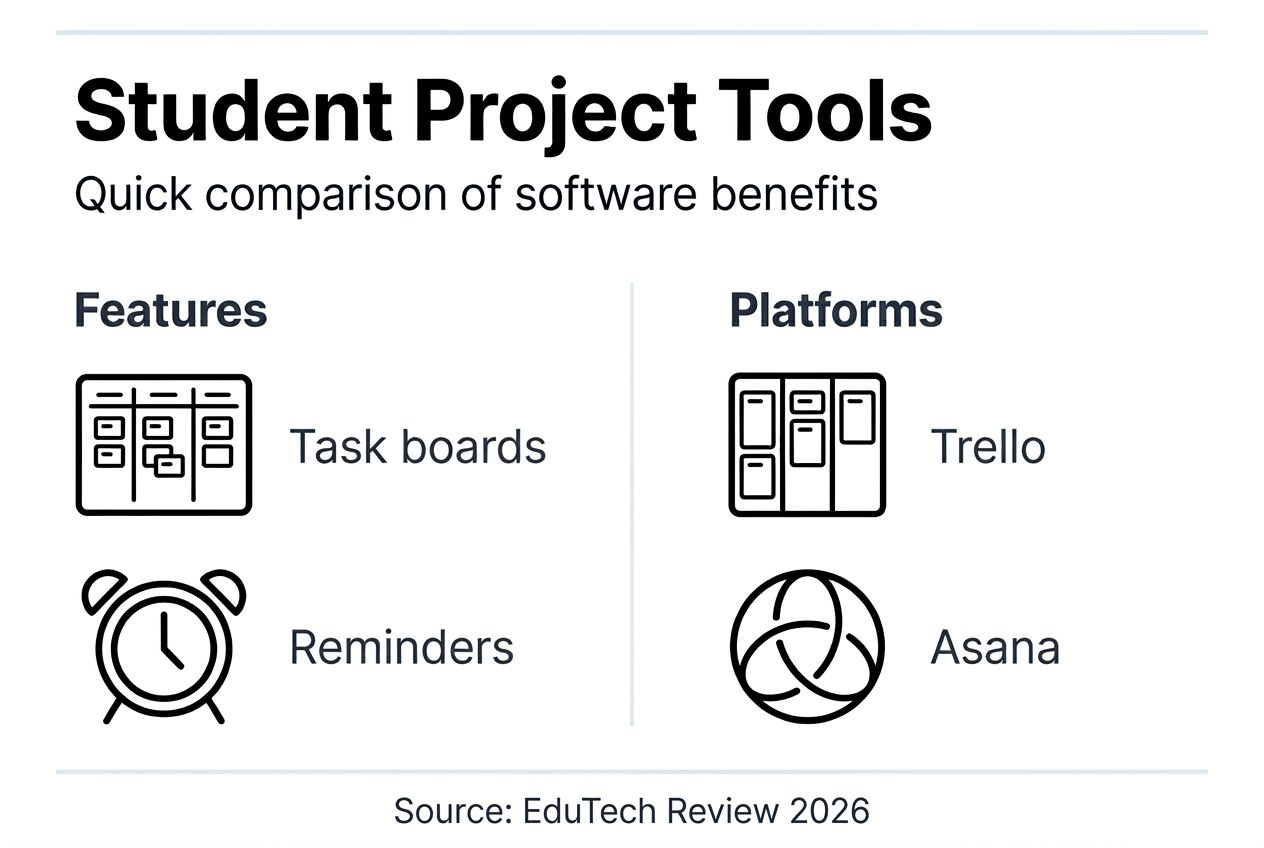
Trello excels in visual organization through kanban boards. Cards move across columns representing project stages, creating intuitive workflow visualization. Its free tier generously includes unlimited cards and boards, making it ideal for students managing multiple courses simultaneously. However, automation and advanced features require paid upgrades. Groups comfortable with visual thinking and simple projects thrive with Trello.
Asana targets users managing more complex projects requiring subtasks, dependencies, and detailed timelines. Its interface offers multiple views including lists, boards, and calendars. The learning curve steepens compared to Trello, but the power justifies the investment for teams coordinating multi-phase projects. Free plans support up to 15 team members, suitable for most student groups.
OptioStation differentiates by tailoring specifically to students and young professionals. It integrates task management, team collaboration, and time tracking within a gamified Roman-themed interface. Users (
Recommended
- Command Log – Optio Station: Best Project Management App for Prioritization
- What Is Project Management Software? Complete Breakdown – Optio Station: Best Project Management App for Prioritization
- Best Task Management Software: Complete Guide – Optio Station: Best Project Management App for Prioritization
- Task Management Software: Everything You Need to Know – Optio Station: Best Project Management App for Prioritization
- Configure AI brains for business automation in 2026
