

Missing deadlines and juggling assignments can leave even the most ambitious students and professionals feeling overwhelmed. Prioritizing tasks the right way matters because the difference between urgent emails and meaningful career milestones can define your college experience or early career. By using a goal-oriented priority view, you will see exactly where your focus belongs, supporting smarter decisions and steady progress toward the outcomes that matter most.
Table of Contents
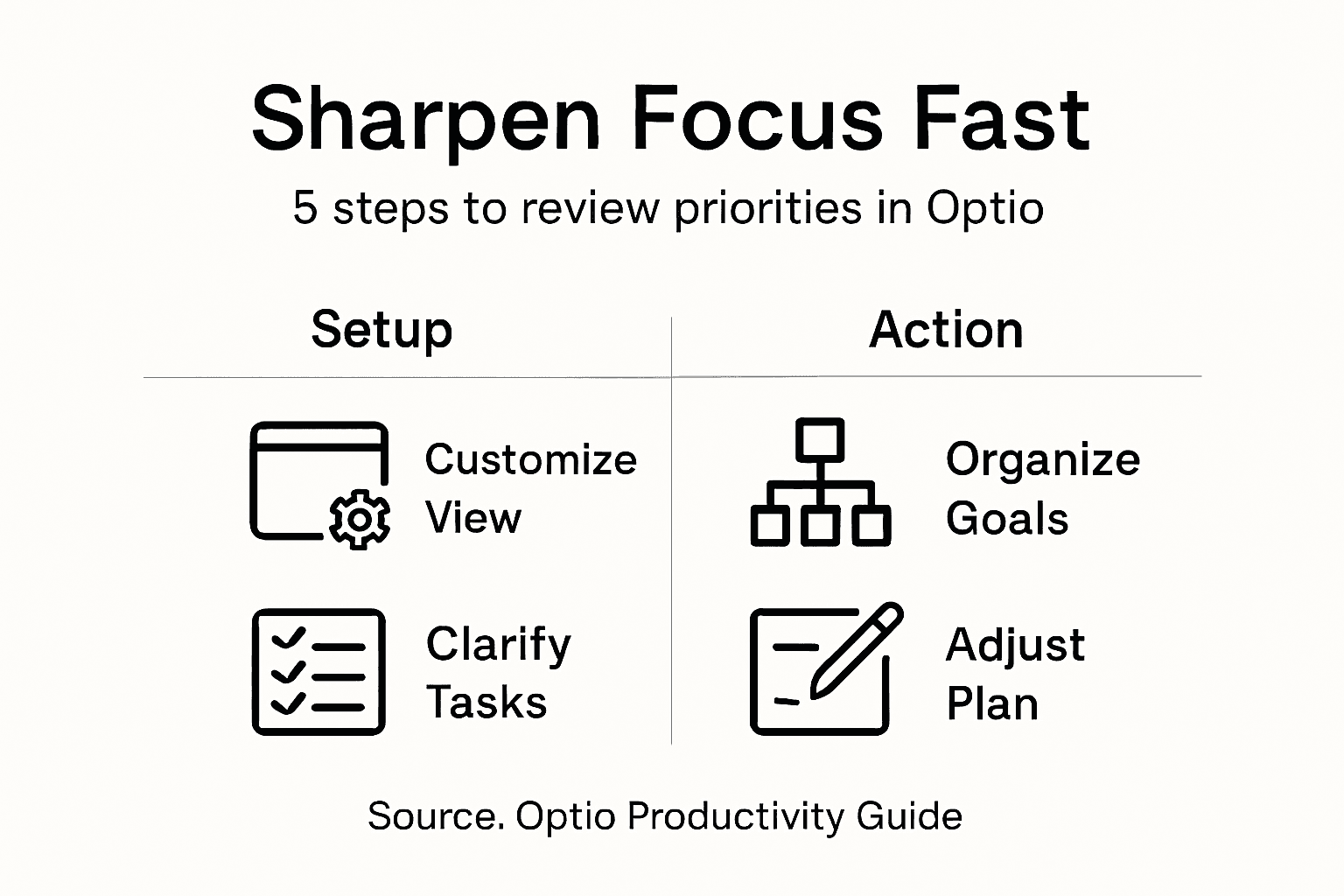
- Step 1: Set Up Your Optio Priority View
- Step 2: Clarify Urgent And Important Tasks
- Step 3: Organize Tasks By Personal Goals
- Step 4: Review And Adjust Your Daily Plan
- Step 5: Verify Priority Changes Improve Results
Quick Summary
| Key Point | Explanation |
|---|---|
| 1. Set Up Your Optio Priority View | Create a visual tool to identify high-priority tasks and focus your efforts effectively. |
| 2. Distinguish Urgent and Important | Utilize the Eisenhower matrix to categorize tasks based on urgency and importance for better productivity. |
| 3. Align Tasks with Personal Goals | Connect daily tasks to broader objectives by implementing the SMART goal framework within Optio. |
| 4. Regularly Review Your Daily Plan | Schedule daily assessments to adjust priorities and enhance productivity in response to changes. |
| 5. Verify Impact of Priority Changes | Analyze performance metrics regularly to ensure adjustments are leading to meaningful productivity improvements. |
Step 1: Set up your Optio priority view
Set up your Optio priority view to transform how you manage tasks and allocate your precious time. This quick setup will help you create a crystal-clear visual representation of what demands your immediate attention.
To configure your Optio priority view effectively, follow these strategic steps:
- Open the Optio dashboard
- Navigate to the Prioritization Settings menu
- Select your preferred visualization method
The goal is to create a dynamic view that instantly highlights which tasks require your immediate focus. Task management techniques help you allocate resources strategically, ensuring critical assignments receive proper attention.
Your priority view should function like a personal command center, directing your energy precisely where it matters most.
Your Optio priority view will categorize tasks using color-coded indicators and urgency levels. This allows you to:
- Instantly recognize high-priority assignments
- Understand task dependencies
- Track progress at a glance
Pro tip: Spend 10 minutes customizing your priority view weekly to maintain its effectiveness and alignment with your evolving goals.
Step 2: Clarify urgent and important tasks
Understanding the critical difference between urgent and important tasks is key to mastering your productivity. Your Optio priority view will help you strategically categorize assignments based on their true impact and time sensitivity.
Task prioritization frameworks enable you to distinguish between tasks that demand immediate attention and those contributing to long-term goals. By applying the Eisenhower matrix within Optio, you can effectively segment your tasks into four essential categories:
- Do First: Urgent and important tasks requiring immediate action
- Schedule: Important but not urgent tasks
- Delegate: Urgent but less critical tasks
- Eliminate: Tasks that neither contribute value nor require urgent attention
Focus on tasks that align with your strategic objectives, not just those screaming for momentary attention.
To clarify your task priorities effectively:
Here’s a comparison of task prioritization frameworks and their benefits in productivity:
| Framework | Key Principle | Best for | Business Impact |
|---|---|---|---|
| Eisenhower Matrix | Urgent vs. Important | Strategic task sorting | Focuses effort on vital work |
| SMART Goals | Specific, Measurable, etc. | Goal alignment | Drives clear achievement |
| ABCDE Analysis | Task grading by value | Quick prioritization | Reduces time on low-value |
| Kanban Method | Visual workflow management | Workflow transparency | Accelerates progress |
- Review each task’s potential long-term impact
- Assess time sensitivity and potential consequences
- Categorize tasks using Optio’s priority view
Pro tip: Revisit and recalibrate your task priorities weekly to ensure continuous alignment with your evolving goals and strategic vision.
Step 3: Organize tasks by personal goals
Aligning your daily tasks with your broader personal objectives transforms how you approach productivity. Optio helps you create a strategic roadmap that connects your immediate actions with your long-term ambitions.
Project management techniques demonstrate the power of structuring tasks around clear, meaningful goals. By implementing the SMART goal framework within Optio, you can break down complex objectives into manageable, actionable tasks:
- Specific: Clearly define what you want to accomplish
- Measurable: Create concrete criteria for tracking progress
- Achievable: Set realistic and attainable objectives
- Relevant: Ensure tasks align with your broader life goals
- Time-bound: Establish clear deadlines and timeframes
Your tasks are not just items on a list. They are stepping stones to your ultimate vision.
To effectively organize tasks by personal goals:
- Identify your top 3-5 primary life or career objectives
- Map each task to a specific goal in your Optio dashboard
- Assess task relevance using your goal alignment criteria
Pro tip: Review and realign your task-goal connections monthly to ensure continuous progress and maintain motivational momentum.

Step 4: Review and adjust your daily plan
Adapting your daily strategy is crucial for maintaining peak productivity and staying aligned with your goals. Optio empowers you to transform your plan dynamically, responding to changing priorities and unexpected challenges.
Project management techniques emphasize the importance of regular plan reviews and strategic adjustments. Your Optio dashboard provides powerful tools to help you reassess and recalibrate your daily workflow:
- Track completed tasks and measure actual progress
- Identify bottlenecks preventing task completion
- Reallocate resources based on current priorities
- Adjust deadlines to reflect real-world constraints
- Update task dependencies as projects evolve
Flexibility is not about abandoning your plan. It is about intelligent adaptation.
To effectively review and adjust your daily plan:
- Schedule a daily 15-minute review window
- Use Optio’s progress tracking features
- Critically evaluate task completion and obstacles
- Make data-driven adjustments to your workflow
Pro tip: Treat your daily plan as a living document, not a rigid mandate. Embrace continuous improvement through strategic, mindful adjustments.
Step 5: Verify priority changes improve results
Validating the impact of your priority adjustments ensures you are genuinely moving the needle on productivity and goal achievement. Tracking the real-world outcomes of your strategic shifts transforms priority management from guesswork to a data-driven process.
Project management priorities require systematic verification to confirm meaningful progress. Your Optio dashboard provides critical metrics to assess the effectiveness of priority changes:
- Measure task completion rates
- Compare time spent versus results achieved
- Analyze goal progression
- Identify performance trends
- Track energy and motivation levels
True productivity is not about doing more. It is about doing what matters most effectively.
To verify your priority changes are driving improvements:
- Compare performance before and after priority adjustments
- Use Optio’s analytics dashboard for objective insights
- Conduct weekly self-assessments
- Adjust strategies based on measurable outcomes
Pro tip: Develop a consistent evaluation rhythm to transform priority management from a reactive task into a strategic, continuous improvement process.
This table summarizes Optio features that support ongoing productivity improvement:
| Optio Feature | Purpose | How It Helps You |
|---|---|---|
| Color-coded indicators | Highlight task urgency | Immediate clarity on priorities |
| Progress tracking | Monitor completion rates | Real-time feedback on goals |
| Analytics dashboard | Visualize performance trends | Data-driven decision making |
| Customization options | Personalize workflow | Aligns tasks with life goals |
Master Your Priorities with Optio for Sharper Focus and Faster Results
The challenge of reviewing and adjusting your priorities can drain your energy and scatter your focus. This article highlights how maintaining a clear Optio priority view, distinguishing urgent from important tasks, and verifying changes can boost your productivity and align daily efforts with your bigger goals. If you find yourself overwhelmed by shifting demands or uncertain about what to tackle next, these key steps are your gateway to smarter, intentional task management.
Discover how becoming a true Centurion by leveraging Optio as your second-in-command can transform your task, team, and time management experience. Tap into powerful features designed to cut through distractions and keep your momentum strong. Learn practical strategies curated in our CenturionTips section and explore fresh insights for ongoing improvement in ProductivityThoughts.

Ready to take command of your days with clarity and control? Visit Optio Station now to equip yourself with the app built to sharpen your focus fast. Start your journey to consistent progress by mastering priority reviews today.
Frequently Asked Questions
How can I review my task priorities in Optio?
Reviewing your task priorities in Optio involves analyzing your current assignments using the priority view feature. Begin by assessing task completion rates and identifying bottlenecks during a daily review to enhance your focus and efficiency.
What steps should I take to effectively adjust my priorities in Optio?
To adjust your priorities effectively, schedule a 15-minute daily review session to track progress and reallocate time as needed. Assess your tasks against their urgency and importance, then reorganize them based on immediate demands.
Why is it essential to differentiate between urgent and important tasks in Optio?
Differentiating between urgent and important tasks helps you focus on high-impact activities that align with your long-term goals. Use the Eisenhower matrix within Optio to categorize tasks accurately, ensuring that your efforts drive meaningful results.
How can I measure the effectiveness of my priority adjustments in Optio?
Measure the effectiveness of your priority adjustments by tracking task completion rates and comparing results over time. Analyze performance metrics in the analytics section of your dashboard and establish a consistent evaluation rhythm to refine your workflow.
What are the benefits of aligning tasks with personal goals in Optio?
Aligning your tasks with personal goals in Optio brings clarity and motivation to your productivity efforts. By mapping tasks directly to your life objectives, you can ensure that every action contributes to your desired outcomes, making your daily efforts more impactful.
How often should I review my priorities in Optio for optimal productivity?
For optimal productivity, review your priorities in Optio at least once a week. Frequent reassessment allows you to stay aligned with your evolving goals and adapt to any changes in your workload swiftly.
Recommended
- Understanding Why Set Priorities for Success – Optio Station: Best Project Management App for Prioritization
- Understanding Prioritization Techniques for Success – Optio Station: Best Project Management App for Prioritization
- Understanding Prioritization Techniques Guide for Success – Optio Station: Best Project Management App for Prioritization
- How to Manage Daily Tasks Effectively for Success – Optio Station: Best Project Management App for Prioritization
