

Trying to juggle multiple classes, part-time work, or a busy project calendar can leave anyone feeling scattered. For college students and young professionals, finding a reliable way to organize everything matters as deadlines stack up. The right mobile daily planner app is more than just a glorified to-do list—it is your personal command center for turning chaos into clear action. In this guide, you will uncover common myths about daily planners and discover practical tips for choosing a tool that actually works with your unique schedule.
Table of Contents
- Defining Daily Planner and Common Myths
- Types of Daily Planners for Modern Needs
- Essential Features and How Planners Work
- Major Benefits for Students and Professionals
- Comparing Planners and Common Pitfalls
Key Takeaways
| Point | Details |
|---|---|
| Importance of Personalization | A daily planner should be tailored to your specific workflow for effectiveness, as there is no one-size-fits-all solution. |
| Consistency is Key | Regular, disciplined use of a planner is essential; an unopened planner will not enhance productivity. |
| Align with Your Needs | Choose a planner type that suits your unique requirements, whether it’s academic or professional, to ensure usability. |
| Focus on Essential Features | Effective planners include date slots, categorization, and prioritization tools, all integral to enhancing organization and productivity. |
Defining Daily Planner and Common Myths
A daily planner is more than just a notebook with dates written in it. At its core, a daily planner is a tool that helps organize important dates, appointments, and activities in one centralized location, making it easier to manage your time and boost productivity. Think of it as your personal command center. Whether you use a physical notebook, a digital app on your phone, or something in between, the planner’s job remains the same: keep everything you need to accomplish visible, organized, and actionable. For college students juggling multiple classes, group projects, and part-time work, or young professionals managing client deadlines and team responsibilities, a daily planner becomes your second-in-command, helping you track what matters most.
Here’s what might surprise you: most people drastically underestimate what a planner can do because they believe several persistent myths. The first major misconception is that planners themselves magically boost productivity. That’s not how it works in real life. A planner sitting unopened on your desk does absolutely nothing. What actually drives results is consistent, disciplined use combined with personalization that fits your specific workflow. Another common myth claims that planners only work for certain personality types, like naturally organized people or those with obsessive tendencies. This couldn’t be further from the truth. A planner isn’t about perfection or color-coding every detail (though some people enjoy that). It’s about finding a system that resonates with you, whether that means minimal bullet points or detailed daily breakdowns. Students often avoid planners thinking they’re tedious or time-consuming to maintain, but modern digital planners, especially those designed specifically for task management and team coordination, take just minutes daily to update. The reality is that planners serve different purposes for different people, and your job is discovering what works for your schedule and goals.
When you start using a daily planner effectively, you’re not just writing down tasks. You’re creating clarity. You’re establishing priorities between the three essays due next week and the team meeting on Thursday morning. You’re identifying which projects deserve your energy today versus which can wait. Personal organizers have evolved significantly, with electronic devices largely replacing traditional paper systems by integrating multiple functions into apps and personal information managers, but the fundamental purpose remains constant: transforming mental chaos into visible, manageable action items. For young professionals, this clarity translates directly into reduced stress and better decision-making. For students, it means knowing exactly which deadlines are coming and planning study sessions accordingly.
Pro tip: Start by choosing one format (paper, phone app, or web-based tool) and commit to entering tasks for just seven days before deciding if it works for you. The first week of consistent use reveals whether your planner truly fits your lifestyle, and that’s far more valuable than downloading five different apps searching for perfection.
Types of Daily Planners for Modern Needs
Not all planners are created equal, and that’s exactly the point. The planner that works perfectly for your roommate managing three group projects might feel completely wrong for you. Daily planners come in many types to fit diverse needs, ranging from life planners designed for overall personal organization to specialized formats like bullet journals and health trackers. For your specific situation as a student or young professional, understanding which type matches your workflow can be the difference between a tool you actually use and one collecting dust. Academic planners, for instance, focus specifically on class schedules, assignment deadlines, and exam dates. Professional planners emphasize meetings, project milestones, and team coordination. The key is recognizing that your planner should work with your life, not force your life to fit an arbitrary system.
Let’s break down the main categories you’ll encounter. Physical planners remain popular because they offer tactile satisfaction and zero screen fatigue. You write things down by hand, and something about that process makes tasks stick in your memory. Digital planners, whether app-based or web-based, provide cloud syncing so your schedule updates across all your devices instantly. Hybrid planners blend both worlds, letting you plan on paper but also capture digital reminders. For students juggling lab reports, lecture notes, and group meetings, customizable digital apps with cloud syncing capability eliminate the panic of losing a paper notebook or forgetting which version of your schedule is current. Young professionals managing client work often prefer digital options because they integrate with email, calendar systems, and team management tools seamlessly. Within these broad formats, specialized types serve specific needs: academic planners track coursework and deadlines, professional planners organize meetings and deliverables, personal planners emphasize goal-setting and habit tracking, and wellness planners focus on health metrics and self-care routines. Some people use multiple planners simultaneously, keeping a simple daily to-do list for immediate tasks while maintaining a comprehensive weekly or monthly view for bigger-picture planning.
Here’s what matters most: the type of planner only works if it aligns with how you actually think and operate. A minimalist student who prefers simplicity will struggle with a detailed academic planner featuring color-coded subjects and extensive note sections. A busy professional coordinating team projects might find a simple daily notebook insufficient for tracking who’s responsible for what and when deliverables are due. This is why trying different formats during that first week (as mentioned in the previous section) becomes crucial. Start with whatever format attracts you, whether that’s a sleek digital app, a paper bullet journal, or a traditional bound planner. Pay attention to what friction you encounter. If you’re constantly switching between apps or forgetting to open your planner, that’s valuable data. If you feel excited checking off tasks or seeing your week organized visually, you’ve found something that clicks. The best planner isn’t the most expensive or the most popular one you see on social media. It’s the one you’ll actually use consistently.
Pro tip: Identify your primary planning pain point first (missed deadlines, forgotten meetings, unclear priorities, or untracked habits) and choose a planner type specifically designed to address that issue rather than trying to find a one-size-fits-all solution.
Essential Features and How Planners Work
Your planner only works effectively when it has the right structural components built in. Think of these features as the engine parts that make everything run smoothly. Effective daily planners include essential features such as date and time slots for scheduling, project categorization for task management, goal setting sections, prioritization tools, tracking mechanisms for habits, and ample space for notes. These elements work together to provide clarity, control, and strategic focus on your daily activities. Without them, you’re just writing down random tasks with no system for managing what actually matters. Date and time slots prevent you from double-booking yourself or missing critical deadlines. Project categorization lets you separate your organic chemistry lab work from your team marketing campaign without everything bleeding together into one overwhelming pile. Prioritization tools force you to make hard choices about what gets done today versus what waits until Thursday. Each feature serves a specific function, and understanding how they interact transforms your planner from a glorified notebook into a genuine productivity system.
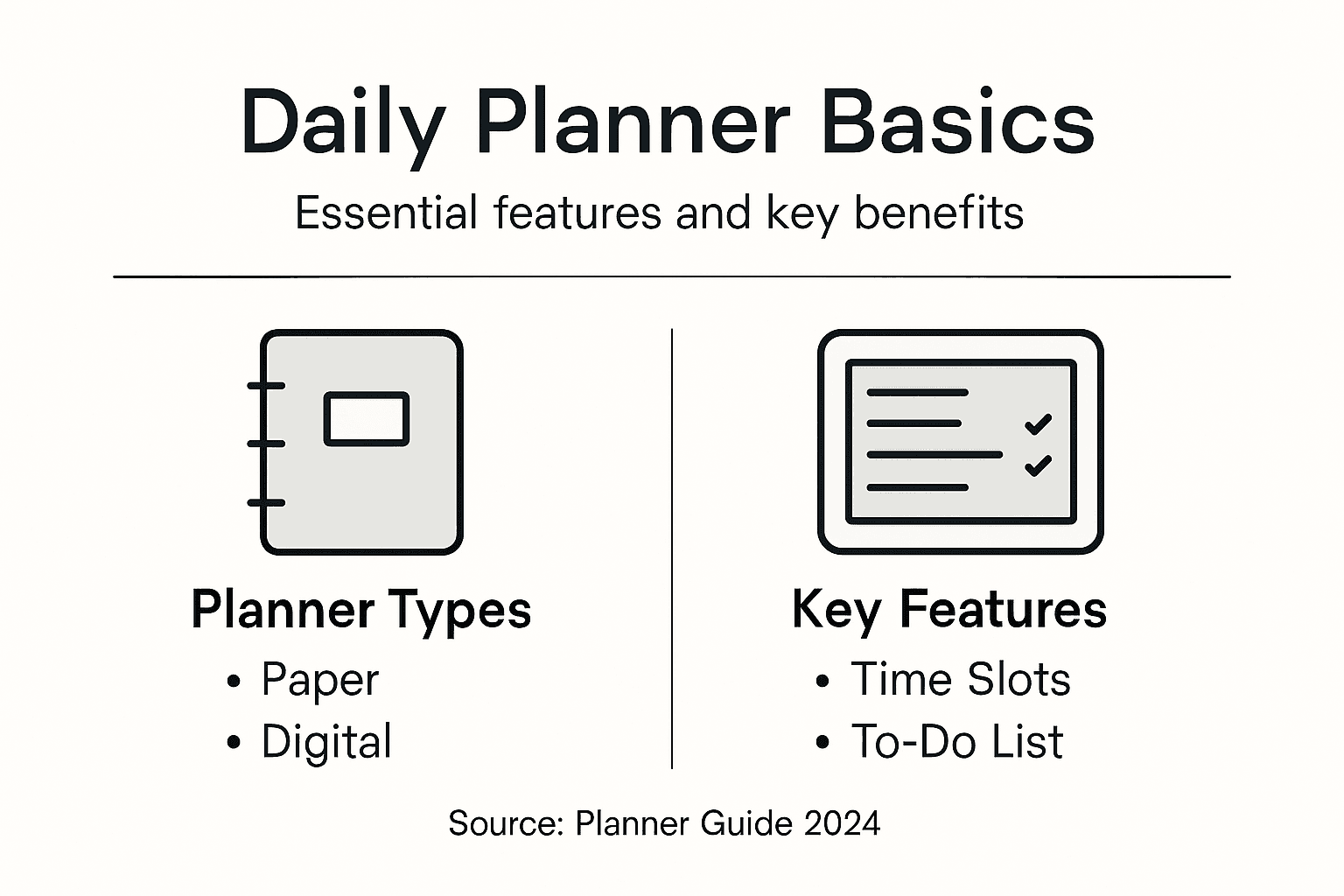
Here is how these features actually work in practice. Start with your time slots and calendar view. This is where you block out class meetings, work hours, and team meetings that are non-negotiable. These fixed commitments form the skeleton of your schedule. From there, your task categories help you organize everything else. A student might use categories like “Classes,” “Group Projects,” “Part-time Job,” and “Personal Goals.” A young professional might structure them as “Client Work,” “Internal Projects,” “Meetings,” and “Professional Development.” The genius part is that once tasks are categorized, you can see exactly how your time is distributed. Are you spending 70% of your planning energy on one project that only matters moderately? That’s valuable information. Prioritization tools then help you rank what matters most within those categories. Most effective systems use some version of the “urgent versus important” framework, letting you distinguish between tasks that are both urgent and important (do these first), tasks that are important but not urgent (schedule these deliberately), and tasks that seem urgent but aren’t actually important (delegate or delete these). Habit tracking and goal-setting sections work differently than daily task management because they operate on longer timescales. If you’re building a consistent study routine or tracking whether you’re moving toward that internship goal, these sections provide the scaffolding to measure progress week by week.
The layout and organization of these features matter more than you might think. Academic planners often feature hourly appointment slots, comprehensive to-do lists, meal planning areas, habit tracking pages, and monthly calendar overviews that blend flexibility with structure to support different lifestyle needs. Digital planners typically display these elements across multiple views: a day view shows your hourly breakdown, a week view displays your broader commitments, and a month view reveals patterns and longer-term deadlines. Paper planners compress these same features into physical pages, requiring you to choose which view matters most to you based on your planning style. Some people need to see their entire week at a glance to feel in control; others prefer the focused detail of a daily breakdown. Some prefer planning their future schedule using strategic approaches and best practices that extend months ahead, while others keep focus tightly on the current week. What matters is that your chosen planner format includes these functional elements arranged in a way that makes sense to how your brain works. A student with 15 different assignments due in November needs a monthly view to avoid surprises. A professional juggling client calls needs hourly slots to prevent scheduling disasters. Your planner works only when its layout matches your cognitive style and your actual workload demands.
To summarize the most impactful planner features and their real-life advantages:
| Feature | What It Does | Value for Users |
|---|---|---|
| Date & Time Slots | Schedules commitments | Reduces missed appointments |
| Project Categorization | Organizes tasks by focus | Eases workload prioritization |
| Prioritization Tools | Ranks task importance | Guides smarter daily choices |
| Habit & Goal Tracking | Measures progress over time | Supports lasting new habits |
Pro tip: Spend 10 minutes on Sunday evening testing your planner’s key features by entering your full week ahead: all fixed commitments first, then categorized tasks, then priorities, then any habits you want to track, then any month-ahead goals you see coming. This test run reveals whether the layout actually supports your thinking or if you need a different format.
Major Benefits for Students and Professionals
A daily planner isn’t just another tool to add to your collection. It’s one of the few systems that delivers immediate, measurable impact across multiple areas of your life simultaneously. Using a planner helps students reduce stress by organizing tasks and deadlines, improving time management and productivity, and enhancing communication with educators. For professionals, planners facilitate better prioritization, effective time allocation, and superior task tracking, leading to increased productivity and reduced overwhelm. The benefits aren’t theoretical. When you stop holding everything in your head and externalize it onto a planner, something shifts. Your brain stops running in background processes trying to remember that you promised to submit the lab report Friday and that you have a client call Wednesday. That mental space gets freed up for actual thinking, creativity, and strategic work. This is the psychological foundation behind why planners work so effectively for both students managing academic chaos and professionals balancing competing priorities.
Let’s look at the specific ways these benefits show up in your actual life. For students, a planner creates visibility around assignment deadlines that prevents the panic of last-minute scrambling. You see that organic chemistry exam is in three weeks and that your literature paper is due the week before, so you can spread your study load intelligently instead of cramming everything into three days. This visibility also improves your communication with professors because you know exactly when you’re overloaded and can request extensions with specific data rather than vague excuses. You can tell your professor, “I have three major assignments due that same week, and here are the specific dates” instead of hoping they understand. Beyond academics, planners eliminate the constant low-level anxiety of wondering if you forgot something important. That feeling of “Did I miss something” disappears when everything is captured in one place. For young professionals, the benefits center on control and credibility. When you have a planner system that works, you never miss a client deadline. You never accidentally double-book meetings. You never forget to follow up on a conversation you promised to handle. These might sound like small things, but they accumulate into a reputation for reliability that directly influences career advancement. Professionals who consistently deliver on their commitments, who manage multiple projects without dropping threads, who track follow-ups and actually execute them, these are the people who get promoted and trusted with bigger responsibilities.

Beyond productivity and stress reduction, daily planners provide significant stress relief through structured scheduling and support physical and mental health management. This is the benefit people often overlook. When your planner includes sections for tracking sleep, exercise, or mental health activities, you start seeing patterns. You notice that when you skip workouts for three days, your stress skyrockets and your focus tanks. You discover that getting eight hours of sleep changes everything about your productivity the next day. You create accountability for the habits that actually matter. Moreover, having a structured system ensures you make time for creative or leisure activities instead of letting work consume everything. A student who plans their week systematically can block out time for hobbies or socializing without guilt because they know their work will get done. A professional can leave the office at a reasonable hour knowing everything important is tracked and will be handled tomorrow. This balance prevents burnout in ways that no amount of good intentions ever could. The planner becomes your permission structure to stop working and actually rest. That’s not a small benefit. That’s the difference between thriving and barely surviving through your semester or fiscal year. You can set and track meaningful work goals that align with your larger aspirations while ensuring your daily actions move you toward them rather than away from them.
Pro tip: Track one concrete outcome for two weeks, like how many deadlines you miss or how many times you feel “caught off guard” by a commitment, then start using your planner consistently and measure the same metric again. Seeing the before-and-after difference yourself will convince you more than any explanation of why planners matter.
Comparing Planners and Common Pitfalls
Choosing between planner formats often comes down to understanding what each layout does well and where it falls short. Different planner layouts exist including daily, weekly, monthly, and quarterly formats, each suited for different scheduling needs. A daily planner excels at detailed day-to-day task management, showing you exactly what needs to happen on Tuesday afternoon versus Wednesday morning. This granularity helps you protect focus time and prevents context switching between unrelated tasks. The trade-off is that daily planners can actually limit your visibility into longer-term deadlines and patterns. You might execute today perfectly but miss that a major project deadline is creeping up in six weeks. Weekly planners balance this nicely by showing you seven days at once, letting you see how your daily commitments fit into a larger pattern. This format works particularly well for students and young professionals because it matches how most institutions and companies actually operate. You can see which weeks are going to be absolute chaos and plan accordingly. Monthly and quarterly planners serve a different purpose entirely. They’re for strategic thinking rather than tactical execution. A student reviewing a quarterly planner might notice that fall semester always includes three overlapping group projects, so next year they know to build in buffer time. A professional might see that Q3 consistently gets interrupted by annual planning processes and budget deadlines, requiring advance preparation. The mistake most people make is trying to use one format for everything. The reality is that your planner system works best when you use multiple time horizons together: a quarterly view for strategic awareness, a monthly view for planning sprints and major deadlines, a weekly view for organizing your actual work, and a daily view for tactical execution.
Here’s a concise comparison of daily, weekly, monthly, and quarterly planners to help you choose the best format for your needs:
| Planner Format | Best For | Main Limitation | Useful Extras |
|---|---|---|---|
| Daily | Detailed scheduling | Lacks long-term overview | Task breakdown by hour |
| Weekly | Balanced planning | Less detail for each day | Visual pattern for deadlines |
| Monthly | Tracking deadlines | Minimal task specifics | Goal and habit tracking |
| Quarterly | Strategic foresight | Too broad for daily tasks | Big-picture project mapping |
Beyond choosing the right format, several common pitfalls derail planner success. The first pitfall is over-scheduling, which happens when you treat your planner like a commitment device instead of a realistic assessment of your capacity. You write down everything you theoretically could do and then feel crushed when you don’t accomplish it all. This is not a planner problem. This is an expectation problem. Your planner should reflect what you can actually accomplish given your energy, other obligations, and the reality of how long things take. A student who has never tracked how long assignments actually take might plan assuming each one takes three hours when they really take five. Building in accurate time estimates prevents the demoralizing experience of failing your own plan. The second major pitfall is underuse due to complexity or lack of habit formation. You buy an elaborate planner with sections for everything, get excited for two days, then stop using it because opening the planner feels like entering a bureaucratic process instead of a practical tool. This is why starting simple matters so much. Your first planner shouldn’t have fifteen different sections. It should have three: what you need to do, when you need to do it, and which tasks matter most. Everything else can be added once the core habit of planning daily is locked in. The third pitfall involves creating a planner system that’s so rigid and complex it can’t adapt to reality. Real life includes emergencies, unexpected workload spikes, and surprise meetings. If your planner system breaks when something changes, you’ll abandon it rather than adapt it. The best planner systems are durable enough to handle disruption without falling apart.
When comparing specific planner options or building your own system, remember that consistency trumps perfection. A simple planner used daily beats an elaborate planner used sporadically. A digital app with syncing across your devices works better than a paper planner if you’re constantly moving between classes and work but worse if you prefer the absence of notifications and digital distractions. A hybrid approach using a structured template for managing your schedule provides the consistency framework while allowing you to adapt based on your actual needs. The planner that matches your lifestyle, your work style, and your current commitments is the one that will transform how you operate. A student managing seven different classes needs different functionality than a professional managing two major client accounts. Your job is recognizing that difference and selecting or building accordingly. Don’t judge success by whether your planner looks Instagram-worthy. Judge it by whether you’re missing fewer deadlines, experiencing less stress, and actually accomplishing what matters to you.
Pro tip: If you switch planner formats, give yourself at least three weeks before deciding it’s not working, because planner effectiveness relies heavily on habit formation and muscle memory with a specific layout. What feels awkward on day one often becomes natural by day fifteen.
Take Command of Your Day with Optio Station
If you find yourself overwhelmed by juggling classes, work deadlines, and personal goals like many students and young professionals do, it is time to equip yourself with a daily planner designed to act as your second-in-command. This article highlights the challenge of organizing multiple priorities and the importance of a system that fits your unique workflow. At Optio Station, we take this concept further by offering a mobile app inspired by Roman leadership, where you are the Centurion and Optio is your trusted aide helping you manage tasks, teams, and time efficiently.

Stop letting mental chaos hold you back. With Optio Station, you get a personalized, cloud-synced planner that guides you to prioritize smarter, avoid missed deadlines, and build lasting habits. Don’t just plan; lead your day with confidence. Start your journey at Optio Station and explore how this powerful project management app can become the crucial support you need. Discover insights and updates in our Uncategorized category and transform your planning from overwhelming to actionable today.
Frequently Asked Questions
What is the purpose of a daily planner?
A daily planner is a tool designed to help individuals organize important dates, appointments, and activities in one centralized location, improving time management and productivity. It acts as a personal command center for managing tasks and priorities effectively.
How do I choose the right type of daily planner for my needs?
Selecting the right planner depends on your specific workflow and lifestyle. Consider your primary planning pain points, whether it’s tracking deadlines or managing meetings, and choose a planner type—such as academic, professional, or personal—that addresses those needs.
What essential features should I look for in a daily planner?
An effective daily planner should include essential features like date and time slots for scheduling, project categorization for task management, prioritization tools, goal-setting sections, tracking mechanisms for habits, and ample space for notes to provide clarity and structure.
How can using a daily planner benefit students and professionals?
Using a daily planner can reduce stress by organizing tasks and deadlines, improve time management and productivity, enhance communication with others, and foster better decision-making for both students and professionals. It provides a structured way to track commitments and avoid missing important deadlines.
Recommended
- Understanding Why Use Calendar Apps for Better Planning – Optio Station: Best Project Management App for Prioritization
- Master Your Weekly Agenda Setup for Success – Optio Station: Best Project Management App for Prioritization
- Schedule Management Plan Template: Boosting Productivity – Optio Station: Best Project Management App for Prioritization
- Understanding Why Use Task Lists for Better Productivity – Optio Station: Best Project Management App for Prioritization
