

Most American college students and young professionals report losing valuable hours every week due to outdated time management tools. With digital calendars now a staple across academic and tech circles, staying organized is easier than ever—but many still miss out on their full potential. Discover how modern scheduling platforms can transform your workflow, enhance collaboration, and keep you productive from anywhere.
Table of Contents
- What Digital Calendars Really Are
- Popular Digital Calendar Types and Platforms
- Core Features Enabling Better Time Management
- Collaborative and Team Functions for Centurions
- Common Pitfalls and Security Risks to Avoid
Key Takeaways
| Point | Details |
|---|---|
| Digital Calendars Improve Organization | Digital calendars provide interconnected scheduling that adapts to modern professional and academic environments, enhancing time management effectiveness. |
| Popular Platforms Cater to Diverse Needs | Various digital calendar platforms, like Google Calendar and Microsoft Outlook, offer unique collaboration features suitable for different professional and personal requirements. |
| Core Features Enhance Productivity | Advanced functionalities, such as automatic time blocking and project management integration, allow users to optimize their schedules, making them more productive. |
| Security and Privacy Management is Essential | Users should regularly review sharing permissions and implement security measures, like two-factor authentication, to protect sensitive information in digital calendars. |
What Digital Calendars Really Are
Digital calendars are sophisticated electronic scheduling tools designed to help individuals and teams organize time, track events, and manage commitments across multiple platforms. Unlike traditional paper planners, digital calendars offer dynamic, interconnected scheduling capabilities that adapt to modern professional and academic environments.
These technological platforms go beyond simple date tracking. They integrate advanced features like real-time synchronization across devices, collaborative sharing options, and intelligent reminder systems. Students and young professionals can instantly update schedules, set recurring events, and receive notifications that traditional paper calendars cannot provide. The ability to access calendars from smartphones, laptops, and tablets means your schedule travels with you, eliminating the risk of forgetting important appointments.
Academic research suggests digital calendars enhance planning effectiveness by offering granular control over time management. They allow users to categorize events, color-code different types of commitments, and create hierarchical scheduling structures that match individual workflow preferences. Modern digital calendars can even integrate with project management tools, automatically blocking time for specific tasks and helping users maintain productive work rhythms.
Pro tip: Choose a digital calendar that offers cross-platform synchronization and customizable notification settings to maximize your time management potential.
Popular Digital Calendar Types and Platforms
The digital calendar landscape offers a diverse range of platforms catering to different professional and personal needs. Groupware calendar systems like Google Calendar and Microsoft Outlook dominate professional environments, providing robust collaboration features that support complex workplace scheduling requirements. These platforms enable teams to share calendars, set privacy controls, and coordinate meetings across different organizational levels.
In educational settings, digital calendar platforms have become essential tools for managing academic commitments. Digital calendars help students and educators track deadlines, manage schedules, and foster participation through real-time updates. Platforms like Google Calendar, Microsoft Outlook, and specialized academic scheduling tools offer unique features such as color-coded event categorization, deadline tracking, and seamless integration with learning management systems.
Beyond traditional workplace and academic platforms, specialized digital calendars have emerged to serve niche productivity needs. Some platforms focus on project management integration, while others prioritize personal time blocking, habit tracking, or collaborative team scheduling. The key differentiators often include cross-platform synchronization, customizable notification systems, and intuitive user interfaces that adapt to individual workflow preferences.
Pro tip: Experiment with multiple digital calendar platforms to find the one that best matches your specific scheduling and collaboration requirements.
Here’s a comparison of major digital calendar platforms and their distinctive strengths:
| Platform | Ideal For | Key Collaboration Feature | Unique Productivity Benefit |
|---|---|---|---|
| Google Calendar | Team scheduling | Real-time shared calendars | Integration with Google Workspace |
| Microsoft Outlook | Corporate environments | Advanced permission controls | Deep email and task integration |
| Apple Calendar | Apple ecosystem users | Family sharing | Seamless device syncing |
| Specialized Tools | Niche productivity needs | Customizable workflows | Project management integration |
Core Features Enabling Better Time Management
Digital calendars are powerful tools that transform time management through sophisticated features designed to optimize personal and professional productivity. Researchers have identified key functionalities that make digital calendars more than just scheduling platforms, including advanced event entry capabilities, intelligent reminder systems, and dynamic time visualization tools that help users understand and allocate their time more effectively.

The core features of modern digital calendars extend far beyond simple date tracking. They offer robust synchronization across multiple devices, allowing users to seamlessly update and access their schedules from smartphones, tablets, and computers. Advanced digital calendar platforms provide intuitive interfaces that facilitate easy editing, comprehensive notifications, and cross-device integration, enabling users to maintain precise control over their time management strategies.
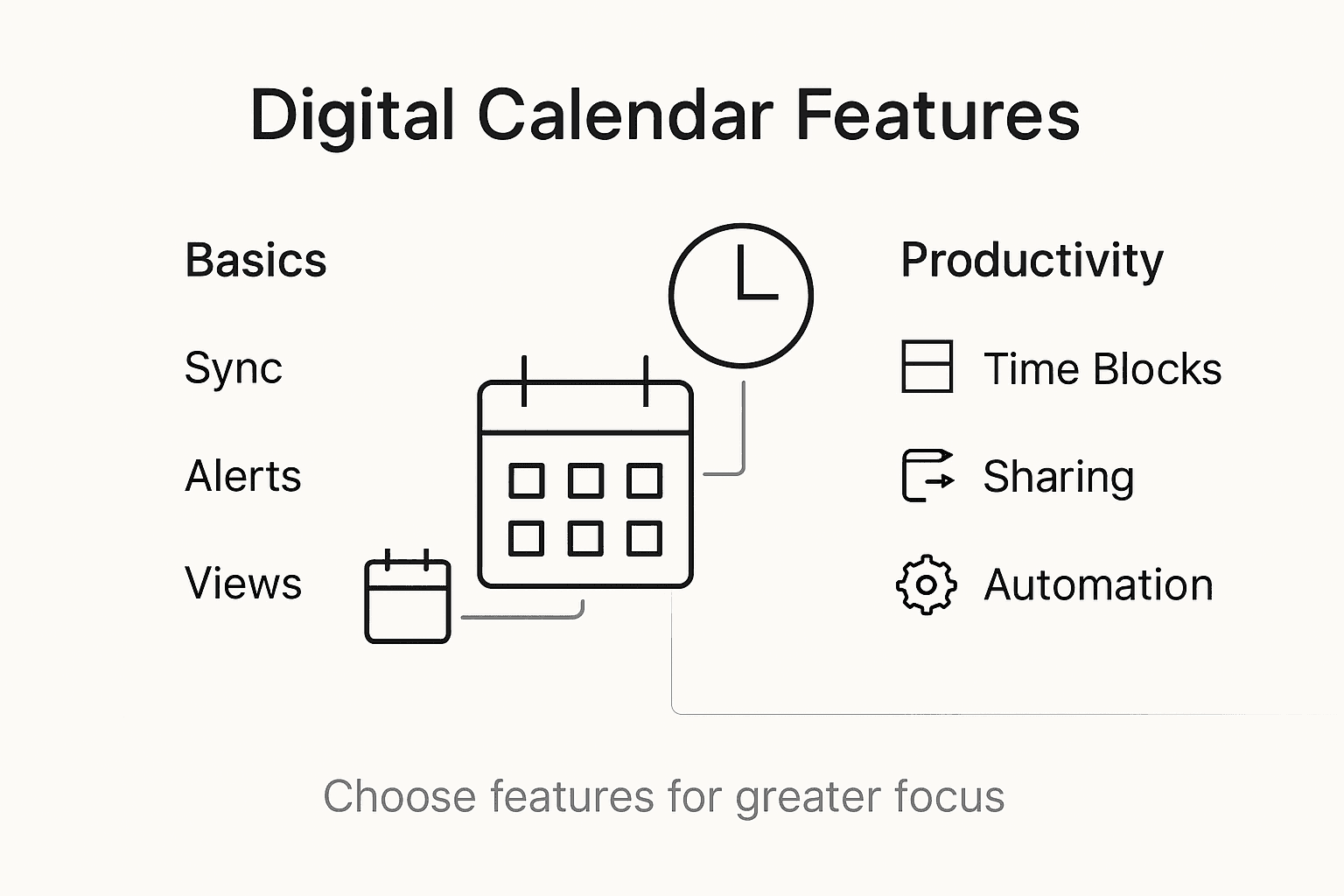
Beyond basic scheduling, sophisticated digital calendars now incorporate intelligent features like automatic time blocking, priority tagging, and integrative project management tools. These advanced capabilities help users not just record events, but actively optimize their time allocation. Features such as predictive scheduling, machine learning-driven task prioritization, and comprehensive analytics provide insights into personal productivity patterns, allowing for continuous improvement in time management approaches.
Pro tip: Experiment with different calendar view modes and notification settings to discover the configuration that best matches your personal productivity rhythm.
Collaborative and Team Functions for Centurions
Collaborative digital calendars transform team coordination by providing sophisticated tools that transcend traditional scheduling methods. Groupware calendar systems enable teams to manage complex scheduling dynamics through advanced shared functionality, including real-time event updates, hierarchical access controls, and synchronized communication channels that streamline team interactions.
Digital calendar platforms dramatically enhance team productivity by offering synchronized updates and comprehensive event management capabilities, allowing Centurions to maintain transparent and efficient collaborative workflows. These platforms provide nuanced permission settings that enable team leaders to control visibility, set access levels, and ensure that each team member receives precisely the scheduling information relevant to their role.
Modern collaborative calendar systems go beyond simple event sharing. They integrate intelligent features like automatic conflict resolution, cross-time zone scheduling, and predictive availability tracking. These advanced tools help teams anticipate scheduling challenges, reduce communication overhead, and create seamless coordination mechanisms that adapt to complex, dynamic work environments. By providing granular control and comprehensive visibility, these platforms empower teams to optimize their collective time management strategies.
Pro tip: Establish clear calendar sharing protocols within your team to maximize transparency and minimize scheduling conflicts.
Common Pitfalls and Security Risks to Avoid
Digital calendar vulnerabilities pose significant risks to personal and professional privacy that users must proactively manage. Organizational hierarchies can inadvertently expose sensitive scheduling information through inappropriate calendar settings, creating potential security breaches that compromise individual privacy and professional boundaries.
Common digital calendar risks extend beyond simple privacy concerns, encompassing complex challenges like notification fatigue and unintended information sharing. Users frequently encounter pitfalls such as overbooking, missed notifications, and accidentally exposing confidential scheduling details. These risks demand strategic approaches to calendar management, including careful configuration of sharing permissions and consistent review of access settings.
Advanced security strategies for digital calendars involve multi-layered protection mechanisms. Users should implement robust authentication methods, regularly audit their calendar sharing settings, and create distinct calendars for personal and professional use. Critical practices include using two-factor authentication, limiting event visibility to necessary participants, and developing a systematic approach to managing calendar invitations and access permissions.
Pro tip: Conduct a quarterly audit of your digital calendar permissions to ensure your scheduling information remains protected and accessible only to intended recipients.
The table below summarizes common digital calendar risks and effective mitigation strategies:
| Risk Type | Example Scenario | Suggested Mitigation |
|---|---|---|
| Privacy breaches | Unauthorized access to team events | Limit sharing permissions |
| Notification overload | Excessive alerts disrupt focus | Customize notification preferences |
| Accidental oversharing | Confidential events shared with others | Create separate personal calendars |
| Missed updates | Important changes unnoticed | Enable critical event reminders |
Master Your Time Like a True Centurion with Optio Station
The challenge of managing digital calendars is not just about tracking events but mastering productivity and focus in an ever-demanding world. This article highlights how digital calendars can be powerful but also warns of pitfalls like notification overload and privacy risks. If you want to truly elevate your scheduling game while avoiding common traps, adopting the right tools can make all the difference. Our app, Optio Station, is built specifically for students and young professionals—called Centurions—offering a Roman-themed task, team, and time management system that serves as your trusted Optio, or second-in-command.

Discover how to wield your schedule with precision and clarity through features designed to enhance collaboration, customizable notifications, and strong privacy controls. Explore strategies and insights tailored to optimize your workflow by visiting our CenturionTips for practical advice and join the community focused on productivity at ProductivityThoughts. Take command of your daily battles today by visiting Optio Station and transform your digital calendar into a powerful ally now.
Frequently Asked Questions
What are digital calendars and how do they enhance productivity?
Digital calendars are electronic scheduling tools that help individuals and teams organize time, track events, and manage commitments. They enhance productivity by offering features like real-time synchronization, collaborative sharing, and intelligent reminders, which traditional calendars cannot provide.
How can I choose the right digital calendar platform for my needs?
To choose the right digital calendar platform, consider factors such as cross-platform synchronization, customizable notification settings, and specific features that match your scheduling and collaboration requirements. Experimenting with multiple platforms can help you find the best fit.
What core features should I look for in a digital calendar?
Key features to look for include advanced event entry capabilities, intelligent reminder systems, dynamic time visualization, customizable workflows, and integrations with project management tools. These functionalities enhance your ability to manage time effectively.
What common pitfalls should I avoid when using digital calendars?
Common pitfalls include privacy breaches due to inappropriate sharing settings, notification overload, accidental oversharing, and missed updates. To mitigate these risks, regularly audit your calendar permissions, customize your notification preferences, and organize separate calendars for personal and professional use.
Recommended
- Understanding Why Use Calendar Apps for Better Planning – Optio Station: Best Project Management App for Prioritization
- 7 Essential Time Management Apps List for Productivity – Optio Station: Best Project Management App for Prioritization
- 7 Essential Organization Tools for Students – Optio Station: Best Project Management App for Prioritization
- Understanding What is a Productivity App and Its Benefits – Optio Station: Best Project Management App for Prioritization
