

Choosing the right tool for planning and managing projects can feel like hunting for a hidden shortcut. Some options offer clean organization that keeps daily goals in sharp focus, while others stack up with powerful features for bigger teams and ambitious plans. Maybe you want simple color-coded lists or crave an all-in-one hub that tackles every workflow and keeps your ideas all in one place. You might wonder if a straightforward app can keep up as projects grow or if an advanced platform is easy enough to use when life gets hectic. With so many choices built for everything from quick class assignments to cross-company launches, it pays to know what sets each one apart and which style fits your way of working. The next picks bring different strengths to the table and promise to change how you plot your days and reach your goals.
Table of Contents
Optio Station

At a Glance
Optio Station is a mobile-first project planning app built for students and young professionals who want prioritization without noise. It blends task, team, and time management into a single, flexible workflow so you can move from big-picture goals to daily action quickly. In beta and launching first on Android and Samsung devices, Optio emphasizes clarity, customization, and continuous user-driven improvement. Bottom line: for Centurions who want a second-in-command for their schedule, Optio Station delivers focused structure rather than feature bloat.
Core Features
Optio Station lets you color-code life aspects like work, school, health, and side hustles so your calendar and task lists reflect real priorities at a glance. Turn high-level goals into actionable steps, then create, assign, and manage tasks with project links, due dates, and attachments. The app surfaces daily tasks, goals, and motivational quotes on a single view, and provides a detailed task pane to manage members, statuses, and files. Browse and filter by tags such as #family to maintain context across work and personal life, and sync schedules with Google Calendar for reliable planning.
Pros
- Engineered with user feedback: Optio Station’s development is driven by early users, which means features are refined in response to real workflows and practical needs.
- Versatile task and project management: The app supports everything from single-step tasks to multi-step goals, keeping both short-term to-dos and long-term projects coordinated.
- Calendar integration for scheduling: Syncing with Google Calendar keeps deadlines and meetings aligned with your task priorities.
- Customizable to your life: Color-coding and tag filters make it easy to tailor views for school, work, or health without duplicating effort.
- Focused on simplicity and clarity: Optio avoids unnecessary complexity, prioritizing an uncluttered interface that highlights what matters now.
Who It’s For
Optio Station is ideal for students, young professionals, and anyone balancing multiple life roles who needs a single mobile tool to prioritize tasks and projects. If you juggle class deadlines, job tasks, side projects, and personal goals, and prefer a clean, customizable interface, Optio is built to adapt to your rhythms. New adopters who value user-driven improvements will appreciate being part of the product’s evolution.
Unique Value Proposition
Optio Station’s strength is its ruthless focus on prioritization and adaptability: it doesn’t chase every feature trend but instead converts goals into clear, actionable workflows that reflect how real people organize life across several domains. The Roman-themed identity—positioning Optio as your second-in-command and you as a Centurion—reinforces a disciplined, purpose-driven UX that nudges you toward completion. Because development is collaborative and feedback-led, features evolve around user problems rather than vendor assumptions, resulting in a product that feels purpose-built for students and early-career pros who need control, not clutter.
Real World Use Case
A student managing three class projects uses Optio to color-code each course, break project milestones into tasks, assign teammates, attach research files, and sync milestones to Google Calendar so nothing collides during midterms.
Pricing
Pricing information is not specified; Optio Station is likely free during the beta phase with potential premium features later as the product matures.
Website: https://optiostation.com
Asana
At a Glance
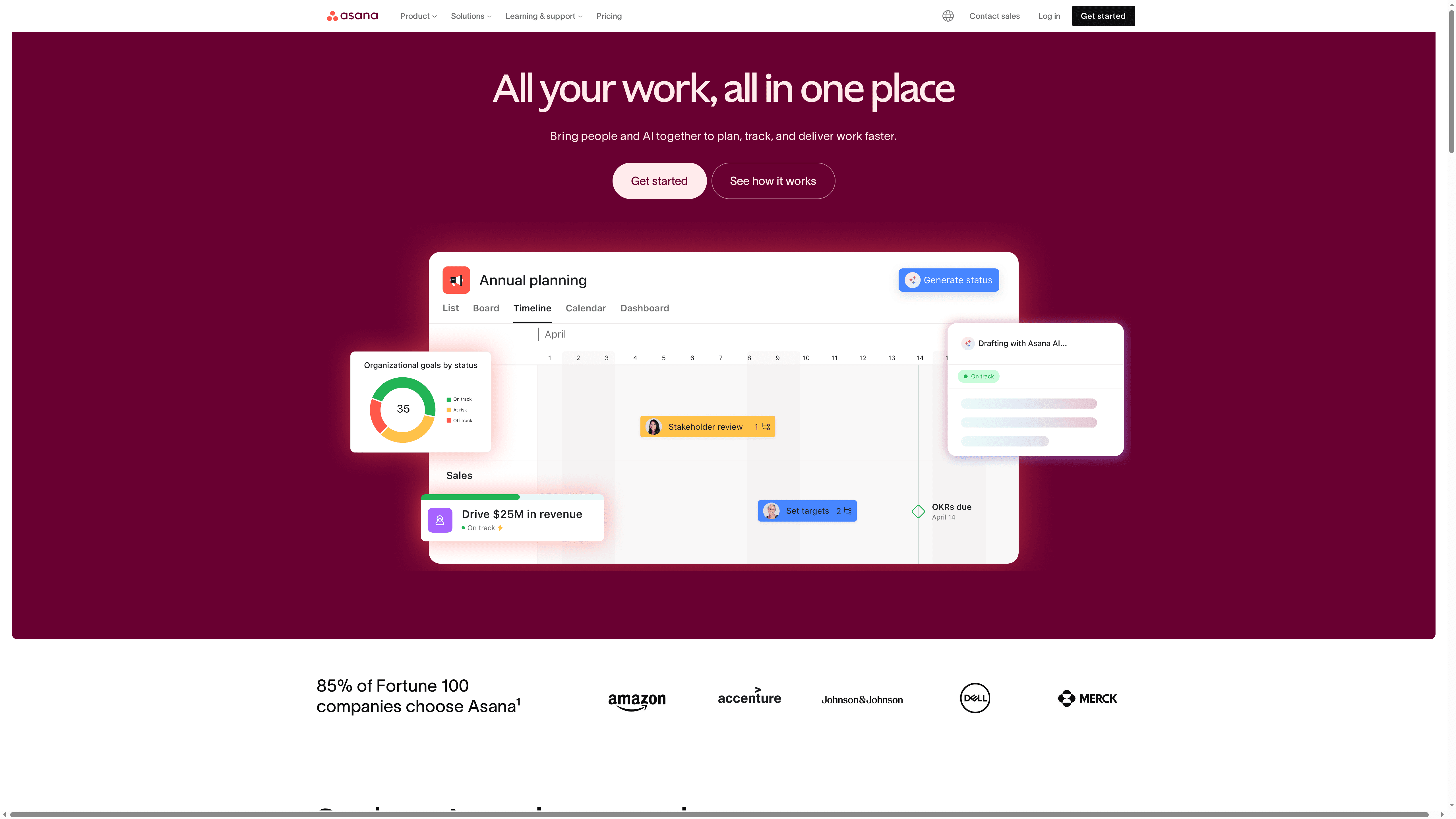
Asana is a mature work management platform that helps teams organize, track, and manage work across projects and initiatives. It combines task and project views with automation, goal tracking, and admin controls to bring clarity and accountability to team workflows. For teams willing to invest time in setup, Asana scales from individual use to enterprise-level collaboration. Expect a learning curve, but also a system that pays off in clearer handoffs and fewer missed deadlines.
Core Features
Asana centers on task and project management with flexible views (lists, boards, timelines) and clear dependency tracking. Built-in workflows and automation streamline repetitive work and handoffs. Goal-setting and reporting tools let teams align objectives and measure progress, while resource management features help balance workload across people. Enterprise plans add admin and security controls, including compliance and data protections, for larger organizations that need stronger governance.
Pros
- Comprehensive project and task management capabilities: Asana supports multiple project views and dependency tracking, letting teams visualize work the way that fits them best.
- Strong automation and integrations: The platform lets teams automate routine steps and connect with other tools to reduce manual updates and duplicated effort.
- Scalable from individual to enterprise use: Asana works for a solo freelancer organizing tasks as well as for organizations coordinating hundreds of contributors.
- Good security and admin controls for organizations: Enterprise plans include administration and security features designed to meet organizational compliance needs.
- Supports goal setting and tracking: Built-in goal features connect day-to-day tasks to higher-level objectives so teams can see how work impacts outcomes.
Cons
- Can be complex for new users to learn: Getting the most from Asana requires time to configure projects, rules, and views, which can slow early adoption.
- Advanced features are limited to paid plans: Many automation, reporting, and admin capabilities are gated behind paid tiers, constraining smaller teams on free plans.
- Pricing can be expensive for larger teams or enterprise features: Costs rise as you add users or require enterprise-grade security and governance, which may strain tight budgets.
Who It’s For
Asana is best for teams and organizations of all sizes that need a flexible, comprehensive work management tool. It fits groups that value process discipline, cross-functional collaboration, and integration with existing toolchains—especially teams willing to invest time in setup and training to unlock productivity gains.
Unique Value Proposition
Asana’s strength is its blend of flexible task views, automation, and goal alignment in a single platform. That combination helps teams turn project plans into accountable, trackable work while maintaining a clear view of progress and priorities.
Real World Use Case
A marketing team uses Asana to plan, track, and launch campaigns by coordinating creative, content, and analytics contributors. Tasks map to campaign milestones, automation enforces review steps, and goal tracking shows whether campaign outcomes meet targets.
Pricing
Asana offers a free tier for basic features; paid plans start at $10.99 per user per month for the Starter plan, with more advanced features available in higher tiers and enterprise plans.
Website: https://asana.com
Trello
At a Glance
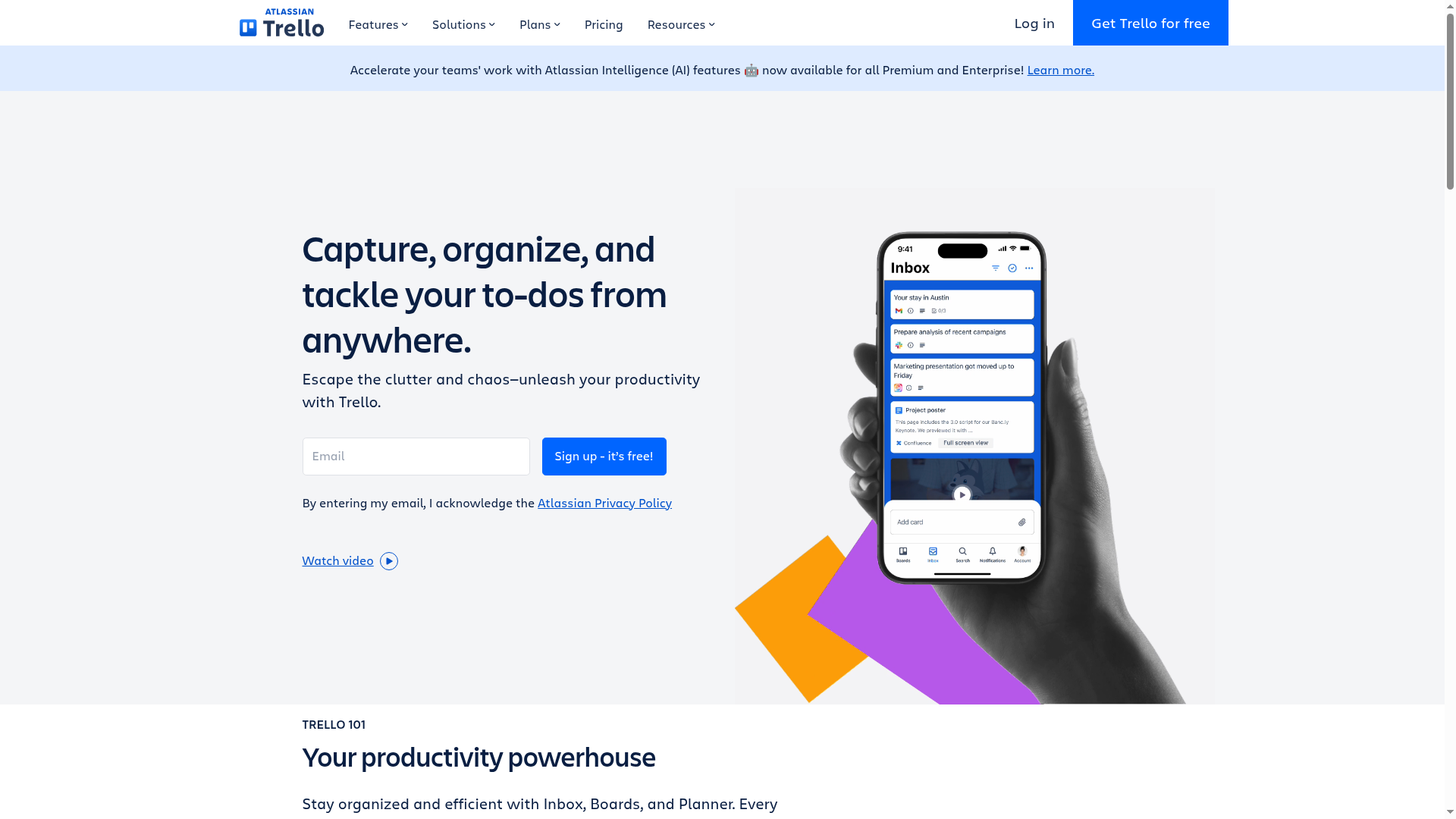
Trello is a visual, flexible project planning app that makes it fast to get teams organized: sign up, create a board, and start assigning work. It emphasizes simplicity and adaptability, so small teams can launch workflows quickly while larger groups scale with templates, integrations, and automation. If you value a Kanban-first, low-friction tool with strong collaboration features, Trello delivers—but advanced needs push you toward paid plans.
Core Features
Trello centers on customizable boards, lists, and cards that capture, organize, and track to-dos from anywhere. Multiple views—calendar, timeline, table, and map—let you switch perspectives without rebuilding work. The platform includes templates for quick setup, power-ups and automation to reduce repetitive steps, and integrations with email, messaging apps, and other tools (including AI-powered organization and summaries for converting messages into tasks). It also offers a resource hub for quick information access and security controls such as two-factor authentication, organization-wide permissions, and single sign-on for teams that need stronger access governance.
Pros
- User-friendly interface: The drag-and-drop visual layout and clear cards make onboarding fast and painless for new users.
- Flexible and customizable: You can tailor boards, lists, and cards to fit a range of workflows across industries and team sizes.
- Extensive integrations and automation: Power-ups and automation let you connect Trello to other tools and automate routine work to save time.
- Supports remote collaboration: Features like shared boards, comment threads, and integrations support distributed teams working asynchronously.
- Free plan available: Individuals and small teams can use Trello at no cost to manage basic projects and test workflows.
Cons
- Advanced features require paid plans: Many of the more powerful views, automations, and admin controls sit behind paid tiers, limiting the free plan’s usefulness for growing teams.
- Can get cluttered with large boards: As cards accumulate, boards can become overwhelming unless you enforce consistent structure and housekeeping.
- Limited storage on the free plan: The free tier has storage limits that may push teams with large attachments to upgrade.
- Automation setup can be complex: Some users find building advanced automation rules challenging without time to learn them.
Who It’s For
Trello fits teams and organizations of all sizes that want a visual, flexible tool to manage projects and collaboration workflows. It’s especially useful for marketing teams, small product squads, student project groups, and any distributed team that needs a low-friction way to coordinate tasks and deadlines without heavy process overhead.
Unique Value Proposition
Trello’s strength is its low barrier to entry combined with scalable features: you can start with a simple Kanban board and gradually add templates, power-ups, and automations as your processes mature. That layered approach—visual simplicity first, advanced customization later—keeps teams productive while allowing administrators to enable enterprise controls when needed.
Real World Use Case
A marketing team launching a product uses Trello boards to coordinate content creation: writers draft cards, editors track status on lists, and remote contributors comment and attach assets. The team links Trello to email and Slack to convert messages into tasks, applies templates for repeatable campaigns, and uses the calendar view to keep launch dates visible.
Pricing
Free plan available; Standard at $5 per user/month; Premium at $10 per user/month; Enterprise at $17.50 per user/month (billed annually).
Website: https://trello.com
monday.com
At a Glance
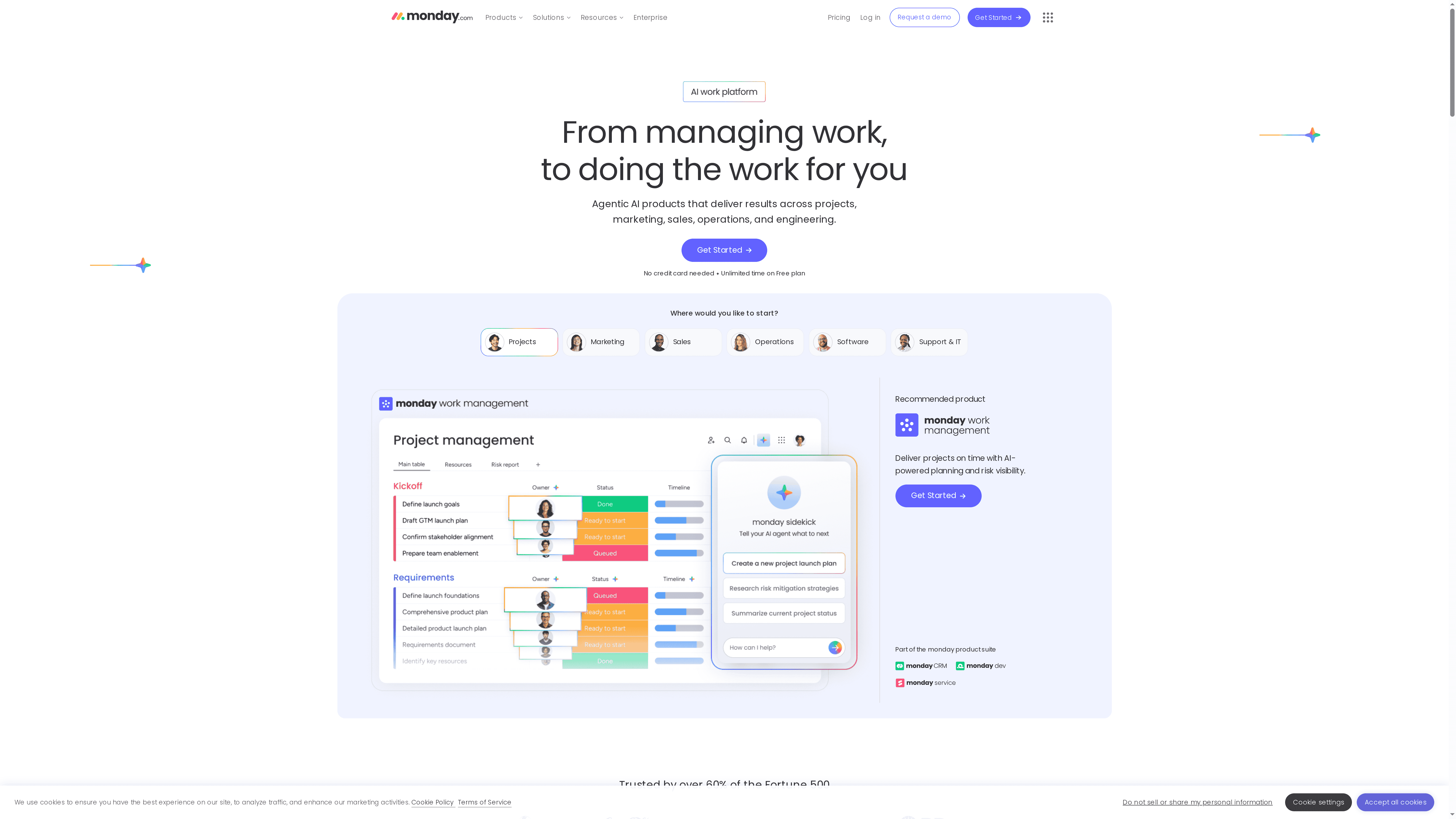
monday.com is an AI-powered work platform built to manage projects, workflows, CRM, development, and service operations across teams of all sizes. It blends no-code customization with AI assistants for planning, risk visibility, and routine automation, and it’s trusted by numerous global teams, including many in the Fortune 500. Bottom line: it’s a highly flexible, enterprise-ready platform that scales well, though complexity and cost can rise as you adopt advanced features.
Core Features
monday.com offers AI-powered task planning and risk visibility, a wide set of custom automation and integration capabilities, and real-time dashboards with Gantt charts and visualizations for monitoring progress. It supports portfolio-level project management and resource/workload tools, plus AI assistants that help with lead sourcing, market research, project flags, support ticket triage, and sprint planning. The platform is built around customizable boards and views, letting teams visualize work the way they need it.
Pros
- Highly customizable workflows with a no-code interface make it easy for teams to tailor boards, automations, and views without developer help.
- Advanced automation and security features enable repeatable processes and provide controls enterprises expect for governance and compliance.
- Various views for data visualization and management, including Gantt and dashboards, help teams track timelines, dependencies, and KPIs in real time.
- AI assistants increase efficiency by automating routine tasks like research, ticket triage, and sprint planning, freeing teams to focus on higher-value work.
- Flexible pricing plans with enterprise options allow organizations to scale from small teams to global deployments.
Cons
- Complex features may have a learning curve that slows initial adoption for teams without a dedicated admin or training plan.
- Pricing can be expensive for larger teams or enterprises as costs scale per seat and more advanced capabilities require higher tiers.
- Some functionality requires add-on purchases or higher-tier plans, which can fragment the experience if your team sticks to a lower plan.
Who It’s For
monday.com is best for teams and organizations that need a highly customizable, AI-augmented work management platform that can scale from small businesses to large enterprises. It suits product teams, marketing groups, IT operations, and sales organizations that want configurable workflows, integrations, and portfolio oversight rather than a one-size-fits-all tool.
Unique Value Proposition
monday.com combines no-code customization, enterprise-grade automation, and embedded AI assistants into a single platform, letting teams both design their own work systems and accelerate routine tasks with AI-driven tools. That combination makes it a versatile hub for coordination and decision-making across departments.
Real World Use Case
A marketing team automates campaign workflows with custom boards, uses AI assistants for market insights and lead research, and leverages dashboards to track cross-team performance and ROI. Campaign tasks, approvals, and asset handoffs move faster with fewer manual checks.
Pricing
Pricing starts with a free plan with limited features, then ranges from approximately $9 to $19 per seat per month for standard and pro plans, with enterprise options available that include advanced features and security.
Website: https://monday.com
ClickUp
At a Glance
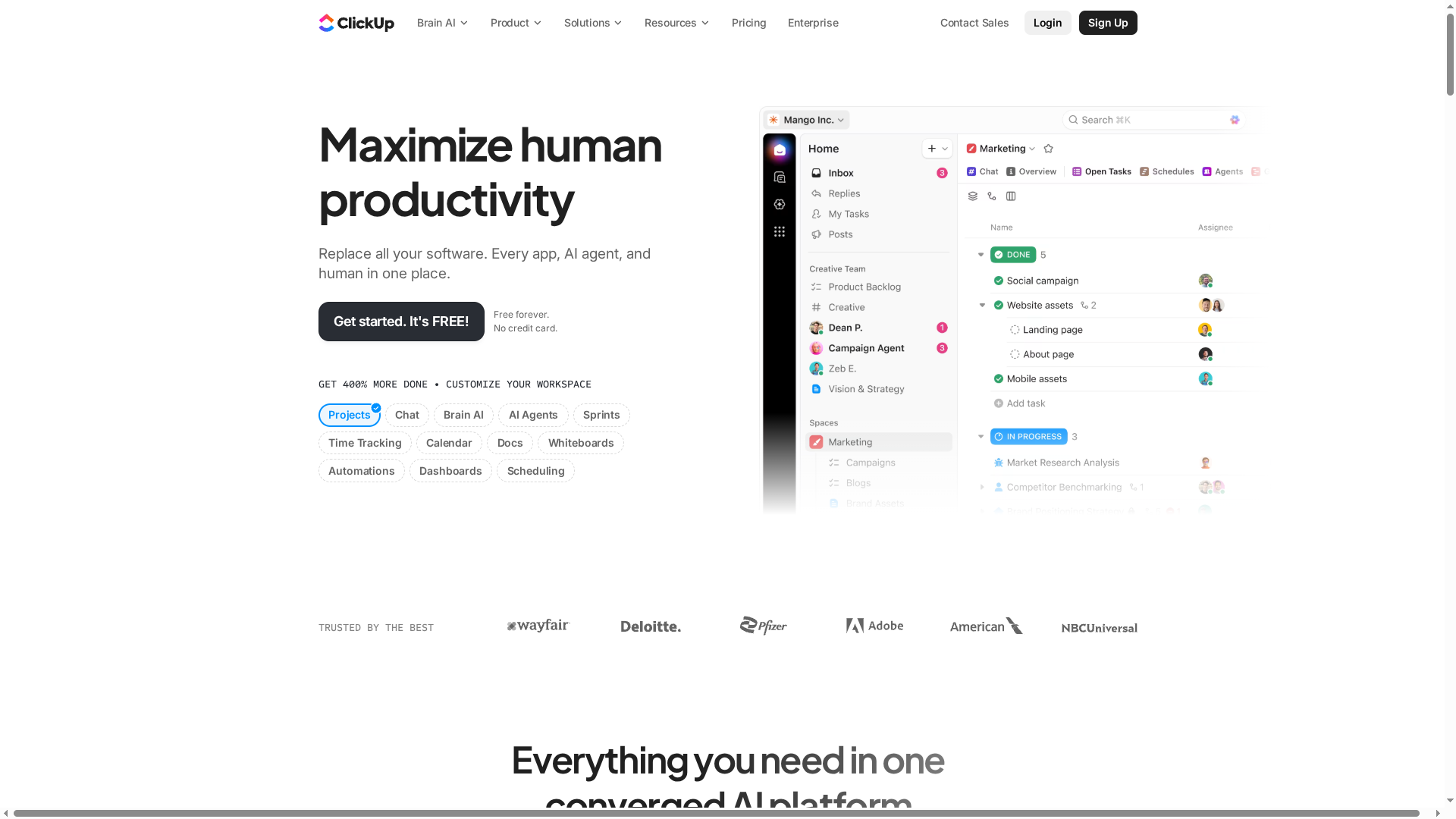
ClickUp is a comprehensive productivity platform that aims to replace multiple apps by bringing software, AI, and team collaboration into one place. Trusted by over 10 million teams, it promises measurable time savings and a strong return on investment. If you want to consolidate tools and add AI-driven automation, ClickUp is a serious contender. Expect a capable platform with a learning curve and pricing considerations for larger teams.
Core Features
ClickUp combines core project management and task management with AI-powered agents and automation, time tracking, and calendar scheduling. It includes collaborative Docs and wikis, Whiteboards for visual planning, Dashboards and reporting for insight, and custom fields and statuses to match workflows. The platform also supports goal setting and portfolio management, live chat and communication features, robust permissions and team management, plus broad integrations with other apps. Plans scale from a free tier to paid and enterprise options.
Pros
- All-in-one setup reduces tool sprawl: ClickUp consolidates project, task, documentation, and communication tools so teams can work in one place instead of juggling multiple apps.
- Strong AI and automation capabilities: Built-in AI agents and automation features help accelerate repetitive work and streamline approvals, saving time for higher-value tasks.
- Highly customizable to your workflows: Custom fields, statuses, dashboards, and Whiteboards let you tailor the platform to different teams and processes without forcing a one-size-fits-all method.
- Scales from individuals to enterprises: The platform supports small teams and expands into enterprise-grade features and governance as organizations grow.
- Robust support and security: ClickUp offers security and support features that make it suitable for teams that need reliable access controls and assistance.
Cons
- Complex interface may require time to master: The platform’s breadth of features creates a learning curve that can slow initial adoption for new users.
- Some capabilities can overwhelm smaller teams: Teams that only need a simple task list may find ClickUp’s full feature set excessive and underutilized.
- Pricing can rise with scale and add-ons: While a free tier exists, costs for larger teams or premium capabilities can add up and should be budgeted carefully.
Who It’s For
ClickUp fits teams and organizations that want an all-in-one productivity platform with automation and AI built in. It’s especially useful for groups that need to replace multiple specialty tools, manage cross-functional work, and scale governance as they grow—from small startup squads to large enterprise departments.
Unique Value Proposition
ClickUp’s core promise is consolidation: replace disparate apps with a single platform that blends AI, automation, and collaboration. That combination aims to reduce friction, centralize work data, and improve productivity metrics across projects and teams.
Real World Use Case
A marketing team uses ClickUp to coordinate campaigns: they automate approval workflows with AI agents, track deadlines and budgets with time tracking and dashboards, and collaborate on content in shared Docs and Whiteboards. The result: fewer status meetings and clearer campaign timelines.
Pricing
Free plan available; paid plans start at $7 per user/month, with enterprise options available upon request.
Website: https://clickup.com
Notion
At a Glance
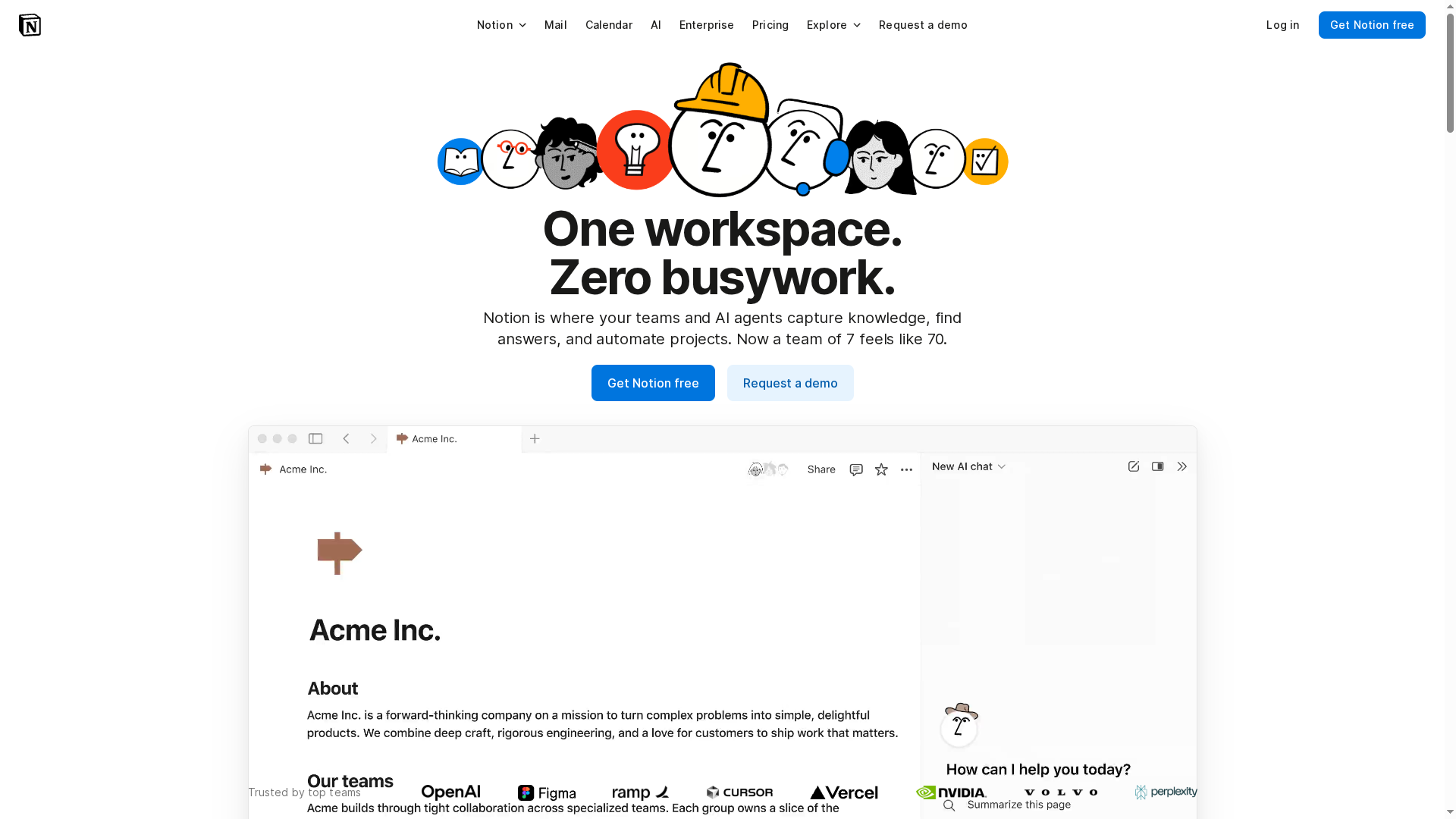
Notion is an AI-powered workspace that combines knowledge management, project automation, and collaboration into a single platform. Its AI assistants and meeting tools cut busywork by generating documents, autofilling databases, and transcribing meetings. The platform scales from solo users to enterprises, but the per-user pricing and feature complexity can be a barrier for some teams. Overall, Notion is best when you want one centralized place for knowledge and workflows rather than a patchwork of apps.
Core Features
Notion’s core capabilities center on an AI workspace with built-in agents that help capture and act on information. It offers knowledge capture and management, task and project automation, enterprise search across all content, and AI meeting notes with transcription. The platform also highlights personalized AI assistants that learn how you work and promises custom AI agents soon, all inside a unified tool for communication and content.
Pros
- All-in-one platform reduces tool sprawl: Notion brings wikis, databases, tasks, and AI together so you don’t have to juggle multiple apps. This simplifies onboarding and lowers context switching for teams.
- AI features automate busywork: Built-in assistants and automation can generate documents, autofill databases, and transcribe meetings, saving time on repetitive tasks. That’s especially useful during sprint planning or weekly reporting.
- Customizable and scalable: Notion’s flexible pages and databases adapt to personal notes, small-team projects, or enterprise knowledge bases, making it useful across different team sizes. You can shape pages to match your workflow.
- Trusted by large teams and enterprises: The platform’s enterprise-grade search and admin controls make it viable for organizations that need centralized knowledge and compliance features.
- Variety of pricing tiers: With a free tier and paid plans (Plus, Business, Enterprise), teams can test Notion before committing and scale as needs grow.
Cons
- Per-user pricing can get costly for larger teams: Since core features are priced per user, costs scale quickly as headcount rises, which may strain small budgets.
- Complexity may overwhelm new users: The platform’s flexibility comes with many options, and newcomers often face a steep setup process to build useful templates and databases.
- Some advanced features require technical knowledge: Implementing deep automations or custom AI agents can demand technical skills or time to learn, which not all teams have.
Who It’s For
Notion fits teams and organizations that want an integrated platform with AI to streamline knowledge management, automate tasks, and centralize collaboration. If your team values a single source of truth and is willing to invest time in configuration, Notion delivers strong returns.
Unique Value Proposition
Notion’s unique strength is combining AI-powered assistants with flexible content and database structures in one unified workspace, reducing the need for multiple specialized apps and letting teams centralize knowledge and workflows.
Real World Use Case
A marketing team uses Notion to manage campaigns by storing creative briefs, automating weekly reporting, and taking AI-generated meeting notes that populate project pages—keeping strategy, assets, and status all in one place.
Pricing
Notion offers Free, Plus ($10/user/month), Business ($20/user/month), and Enterprise plans with custom pricing.
Website: https://notion.so
Todoist
At a Glance
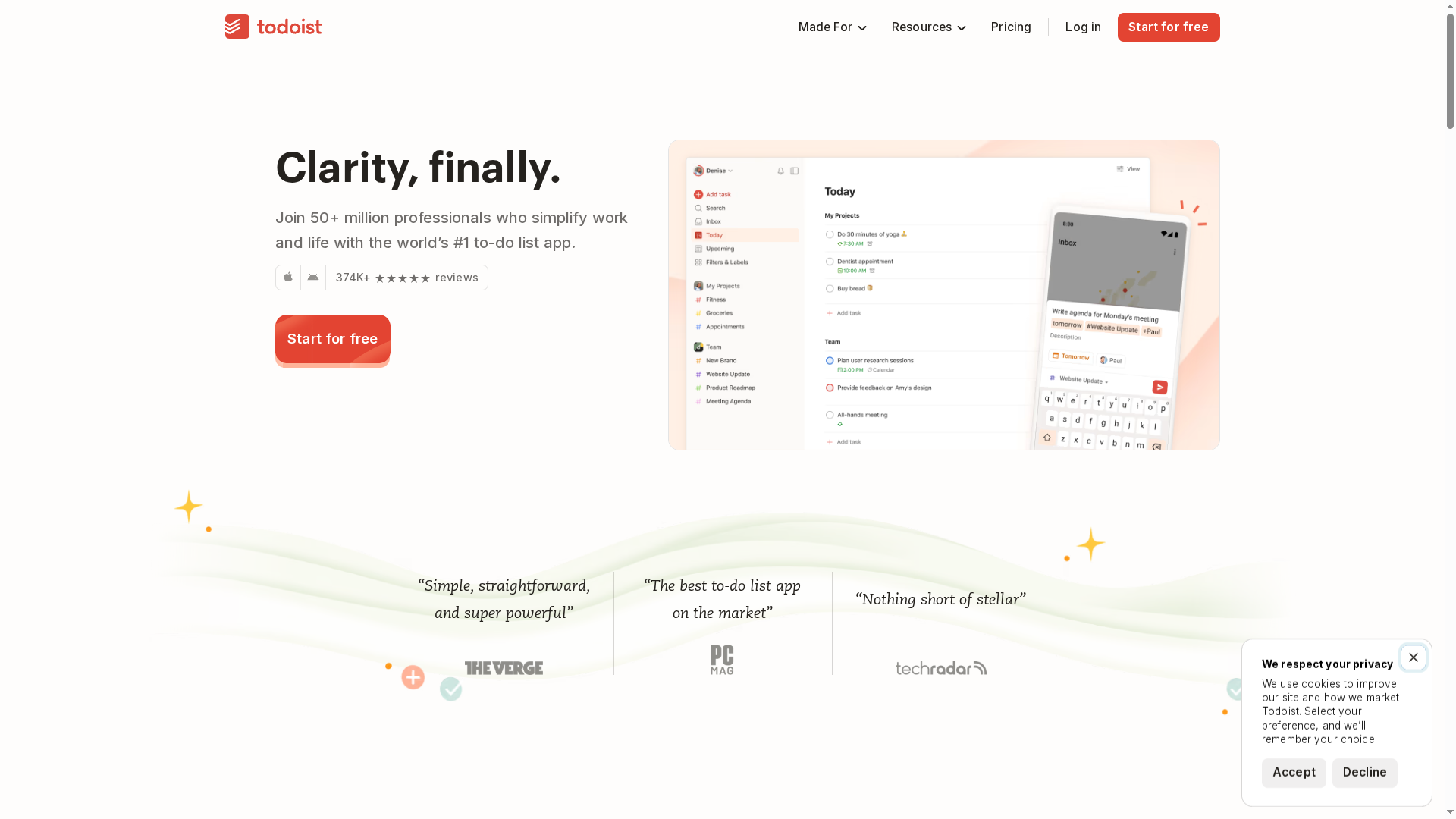
Todoist is a polished, widely adopted to-do and task manager that helps professionals capture, organize, and plan work across personal and team contexts. It combines natural language task entry, flexible project organization, and calendar scheduling to reduce friction when you convert ideas into action. For teams, shared workspaces and permissions make collaboration straightforward, though unlocking advanced team controls requires a paid plan. If you want a fast, reliable way to track tasks and keep deadlines visible, Todoist delivers.
Core Features
Todoist centers on quick task capture using natural language input and organizes work into projects, labels, and filters for tailored views. You can schedule tasks with due dates, recurring rules, and a calendar view, and teams can collaborate via shared workspaces and permission settings. Built-in templates speed rollout for repeatable workflows, AI assistance helps manage tasks, and integrations tie Todoist into email, calendar, and other apps to keep everything in sync.
Pros
- Intuitive task capture: Natural language input makes adding tasks fast and reduces friction when you’re on the move.
- Flexible organization: Projects, labels, and custom filters let you slice and view work the way your team prefers.
- Clear scheduling and visualization: Due dates, recurring tasks, and a calendar view help you keep deadlines visible and predictable.
- Team collaboration features: Shared workspaces and permissions enable basic team coordination without a lot of setup.
- Solid integrations: Connections with email, calendar, and other apps reduce context switching and keep work centralized.
Cons
- Pricing complexity may confuse users: Multiple plan tiers and feature gates mean you must compare options carefully to match features with needs.
- Advanced features require paid plans: Some of the collaboration and higher-limit capabilities are restricted behind paid subscriptions.
- Learning curve for new users: New users may need time to learn labels, filters, and the app’s best practices to get maximum value.
Who It’s For
Todoist fits professionals and teams who need a lightweight but capable task manager that scales from personal lists to shared project work. It’s especially useful if you value quick task entry, clear scheduling, and integration with your existing calendars and email. If you and your teammates prefer a focused, list-driven approach rather than a complex project management suite, Todoist is a strong choice.
Unique Value Proposition
Todoist’s strength is its blend of speed and structure: fast natural-language task capture combined with deep organizational tools like labels, filters, and templates. That combination helps individuals and teams convert scattered ideas into organized work quickly, while integrations and AI assistance nudge workflows toward consistency and clarity.
Real World Use Case
A marketing team uses Todoist to manage campaign work by creating a project per campaign, assigning tasks with due dates, and sharing templates for launch checklists. Team members see deadlines in the calendar view, reuse templates for consistent workflows, and rely on integrations to keep campaign-related emails and events attached to the right tasks.
Pricing
A free plan is available with basic features; paid plans start from $4/month per user and unlock higher limits and extras. The business plan costs $6/month per user and includes team collaboration and admin features.
Website: https://todoist.com
Wrike
At a Glance
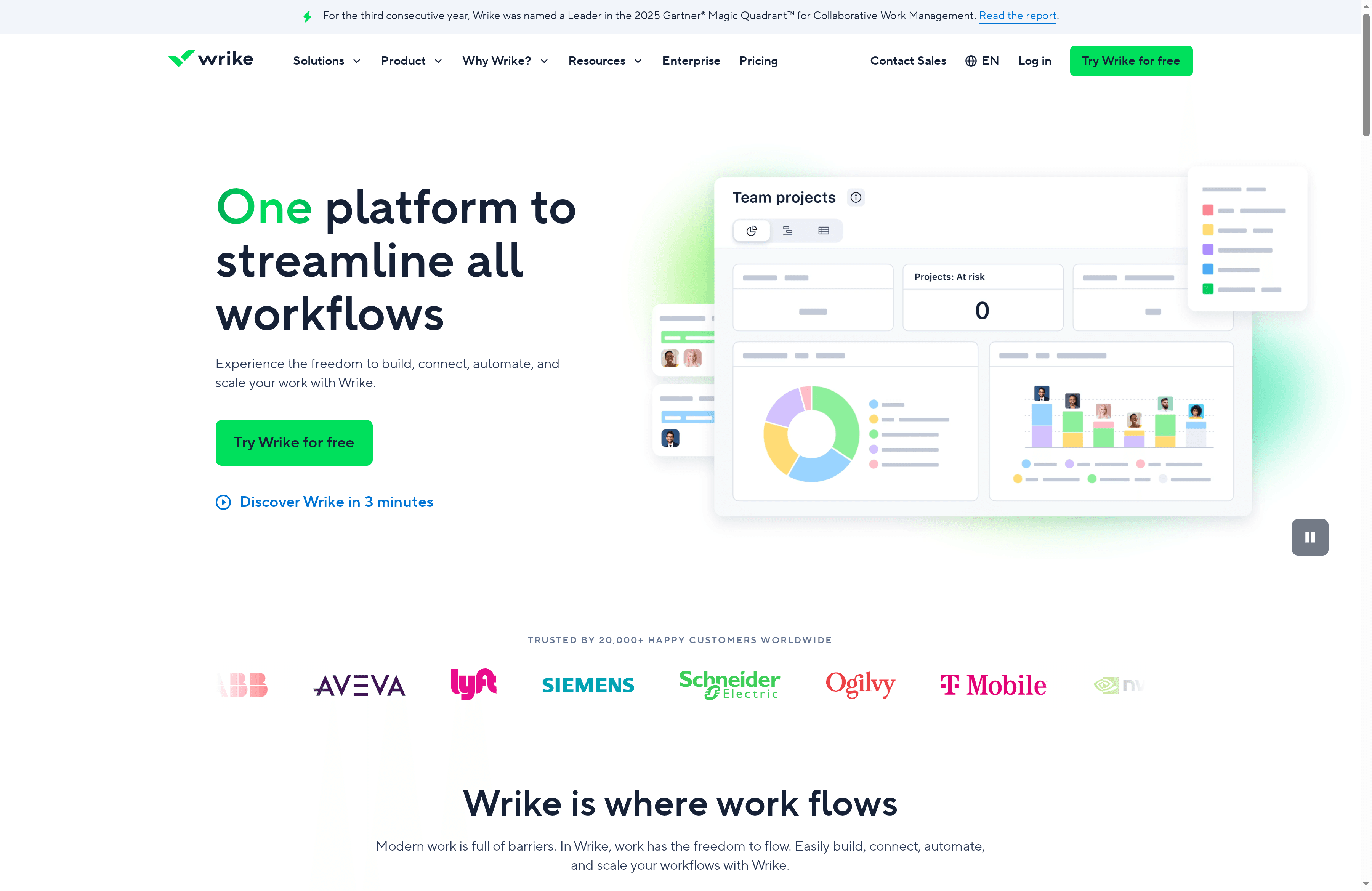
Wrike is an AI-powered enterprise work management platform built to streamline workflows, boost collaboration, and centralize reporting for medium to large teams. It combines automation, visual collaboration, and robust security to handle complex work at scale. Recognized by industry analysts, Wrike fits organizations that need configurable processes and real-time analytics without cobbling together multiple tools.
Core Features
Wrike’s core capabilities include AI-powered work management and automation, visual collaboration tools such as whiteboards and memos, and flexible project views—Gantt charts, table views, and Kanban boards—for clear task tracking. The platform also supports resource and capacity planning plus advanced analytics with real-time reporting dashboards. These components are designed to reduce manual work and give managers insight into workload and delivery risks.
Pause. Consider this.
Pros
- Highly customizable platform: Wrike can be tailored to match diverse workflows across teams and industries, making it adaptable as you scale.
- Strong integrations: It connects with popular apps like Slack, Google Drive, and Salesforce, allowing you to centralize documents and notifications.
- Robust automation and AI features: Built-in automation removes repetitive tasks and speeds up approvals, which frees your team to focus on higher-value work.
- Enterprise-grade security: The platform follows security and compliance standards that larger organizations require to protect sensitive data.
- Comprehensive templates and support: Wrike provides templates and professional services that help teams implement best practices faster.
Cons
- Complex setup for new users: The breadth of features means initial configuration can be time-consuming and may require formal onboarding.
- Pricing can be high for smaller teams: While a free plan exists, tiered plans that unlock powerful features start at a level that may be costly for startups.
- Overwhelming for very small projects: Some small teams or simple projects may find Wrike’s depth unnecessary and prefer a lighter tool.
Who It’s For
Wrike is aimed at medium to large organizations and teams that need a scalable, secure, and customizable work management solution. If you oversee cross-functional projects, require automated workflows, or depend on integrations and centralized reporting, Wrike is a strong candidate. If you’re a solo user or run very small projects, the platform may feel heavier than necessary.
Unique Value Proposition
Wrike’s unique advantage is its combination of AI-driven automation, visual collaboration, and enterprise-level security packaged in a single, configurable platform. That mix lets teams automate approvals, visualize creative work, and measure outcomes with real-time dashboards—reducing manual overhead while keeping governance tight.
Real World Use Case
A multinational marketing agency uses Wrike to manage multiple client projects, coordinate creative assets across teams, automate approval workflows, and generate real-time performance reports to optimize campaign strategies. The result is faster delivery, clearer accountability, and fewer manual handoffs.
Pricing
Wrike offers a free plan with limited features and tiered paid plans starting at $10/user/month, with additional features and capabilities available at higher tiers.
Website: https://wrike.com
Productivity Tools Comparison
This table provides a comprehensive overview of several productivity tools, comparing their key features, pros, cons, pricing, and usability to help readers choose the best fit for their needs.
| Product | Key Features | Pros | Cons | Pricing/Usability |
|---|---|---|---|---|
| Optio | Task & calendar management, Google Calendar sync, color-coded workflows | User-driven improvements, clear UI, customizable | In beta, future premium features unknown | Likely free during beta; focuses on students |
| Asana | Multiple views, automation, goal tracking | Comprehensive, scalable, security controls | Can be complex, pricing for advanced features | Starts at $10.99/user/month |
| Trello | Kanban boards, power-ups, integrations | User-friendly, flexible, remote collaboration support | Advanced features require paid plans | Free tier available; Premium at $10/user/mo |
| monday.com | AI planning, customization, automation, dashboards | Highly customizable, AI-powered, flexible | Learning curve, premium pricing for advanced plans | Starts around $9/seat/month |
| ClickUp | All-in-one platform, AI automation, docs & boards | Consolidated tools, strong AI features | Learning curve, overwhelming for smaller teams | Free tier; paid plans from $7/month |
| Notion | AI-assisted workspace, knowledge management, automation | All-in-one solution, customizable, enterprise-grade options | Can be costly for larger teams, complex setup | Free, Plus at $10/user/month |
| Todoist | Task management, natural language input, collaborations | Quick task entry, clear scheduling | Advanced features gated behind paid plans | Free; plans from $4/month |
| Wrike | AI work management, visual collaboration, real-time analytics | Customizable, strong integrations | Complex setup, pricing can be high | Free plan; paid plans from $10/user/month |
Master Your Project Planning with Optio Station
The challenge of balancing multiple tasks, deadlines, and team coordination can feel overwhelming whether you are a student or young professional. This article highlights the need for clear prioritization, adaptable workflows, and seamless task management that cuts through the noise so you can focus on what matters most. If you are seeking a mobile-first solution designed to align your daily action with long-term goals, Optio Station is made precisely for people like you who want disciplined yet flexible control over their projects.
Optio Station acts as your second-in-command, helping you color-code priorities, manage team tasks effortlessly, and sync everything with your calendar. It is built with feedback from users who juggle school, work, and side projects, delivering an experience that avoids overcomplication but never compromises on clarity. Discover how to transform your workload into manageable steps with the guidance of your own Centurion companion.
Explore deeper insights and tips on managing your priorities at ProductivityThoughts. Ready to take command and end the chaos now Visit Optio Station to experience focused project planning tailored for your life. For practical strategies to own your schedule every day check out CenturionTips. Start mastering your projects today and move confidently from goals to accomplishment.
Frequently Asked Questions
What features should I look for in a project planning app for teams?
Look for features that support collaboration, such as task assignment, progress tracking, and project timelines. Make a list of essential features based on your team’s specific workflows to ensure that the app supports your project needs effectively.
How can project planning apps improve team productivity?
Project planning apps often streamline communication and reduce misunderstandings by centralizing tasks and deadlines. Implement a project planning tool to organize tasks clearly, which can help boost team productivity by up to 20% in the first month.
What are the differences between Kanban and Gantt chart views in project planning apps?
Kanban views offer a visual way to manage tasks in a flow, focusing on the status of work, while Gantt charts provide a timeline view of project tasks and their dependencies. Choose the view that best fits your project management style—Kanban for flexibility and Gantt for detailed scheduling.
How do I onboard my team to a new project planning app?
Begin with a training session to familiarize your team with the app’s features and workflows. Set up a few test projects and encourage team members to explore functionalities for about two weeks before fully transitioning to ensure everyone is comfortable using the tool.
Can I integrate a project planning app with other tools my team already uses?
Most project planning apps offer integrations with commonly used tools like communication platforms, calendars, and file storage services. Check the app’s integration options and plan to connect them with your existing tools to streamline workflows and enhance collaboration.
What is the typical pricing model for project planning apps?
Project planning apps usually offer various pricing models, including free versions, tiered subscriptions based on features, or team size variations. Review your specific needs and evaluate how different pricing structures align with your budget to make an informed choice.
Recommended
- Understanding Why Use Calendar Apps for Better Planning – Optio Station: Best Project Management App for Prioritization
- Project Plans Templates: Everything You Need to Know – Optio Station: Best Project Management App for Prioritization
- What Is the Best To Do List App? Complete Guide – Optio Station: Best Project Management App for Prioritization
- Project Management Software: Complete Guide for 2025 – Optio Station: Best Project Management App for Prioritization
- 7 Essential Productivity Apps for Businesses to Boost Efficiency – Projector Display
- Event Management Software 2025: Vergleich, Funktionen & Auswahlguide
