

Juggling tasks, schoolwork, and life projects can feel overwhelming unless you have tools that actually make it easier. Some apps stand out by focusing on visuals and simplicity, while others pack in features for teams and growing goals. The best options help you break down big plans into manageable steps, keep your schedule on track, and let you work alone or with a group. Finding the right fit depends on how much structure you want, how you like to work, and whether you want something simple or a full suite of tools. With so many choices out there, spotting what truly makes each app unique is half the challenge and half the fun.
Table of Contents
Optio Station
At a Glance
Optio Station is a focused mobile app for task, team, and time management that prioritizes clarity over clutter. Built by a small indie team and shaped by user feedback, it’s designed to help students and young professionals break big goals into actionable steps while keeping life aspects—work, school, health, hustle—visually separated. Early access users can influence development, so you get a voice in how the tool evolves. Bottom line: lean, intentional, and ideal if you value flexibility and active product direction.
Core Features
Optio Station centers on simple, visual organization: color-code different life aspects, turn big-picture goals into step-by-step tasks, and manage projects solo or with collaborators by assigning tasks and tracking progress. Deadlines and reminders keep you on schedule, while hashtag search and tag filters let you find tasks quickly using markers like #family or #work. It also syncs with Google Calendar so your plan and your schedule stay aligned. The emphasis is clarity—features are pared down to what students and young professionals actually use.
Pros
- User feedback-driven development shapes the roadmap. The team actively listens to early users, which accelerates meaningful improvements and avoids needless bloat.
- Designed for flexibility and simplicity. The app intentionally limits complexity so you can focus on doing work, not managing tools.
- Supports goal and task management with visual and filter options. Color-coding and hashtag search make it fast to scan priorities across life areas.
- Calendar integration keeps tasks and time in sync. Google Calendar sync reduces schedule clashes and helps you block time for work and study.
- Early access opportunity lets you shape the app’s future. If you like influencing product direction, early access is a real advantage.
Who It’s For
Optio Station is tailored for students and young professionals who juggle classes, side projects, internships, and personal goals. You should be comfortable using an early-stage product, enjoy giving feedback, and prefer lightweight interfaces over enterprise feature sets. If you need a mobile-first, visual way to separate life areas and convert goals into daily tasks, Optio Station is a natural fit.
Unique Value Proposition
Optio Station stands out by being deliberately minimal and community-driven: it’s built to be the second-in-command—an Optio—to its users, the Centurions, helping them marshal tasks across life’s fronts without micromanaging. That Roman-themed framing isn’t just aesthetic; it informs a design philosophy that favors clear command structures, color-coded priorities, and rapid iteration based on real user needs. While the app is beta and initially available on Samsung and Android devices, these limits are purposeful tradeoffs: focusing on a tight platform and close user feedback loop lets the team refine core experiences before scaling. For students and young professionals who want a responsive, mature-feeling tool without enterprise complexity, Optio Station delivers superior clarity and control compared with bloated alternatives.
Real World Use Case
A student uses Optio Station to plan a semester: they create projects for each course, color-code assignments by subject, break term papers into step-by-step tasks with deadlines, and sync deadlines to Google Calendar so study blocks appear alongside classes.
Pricing
Starting at Free (beta)
Website: https://optiostation.com
Trello
At a Glance
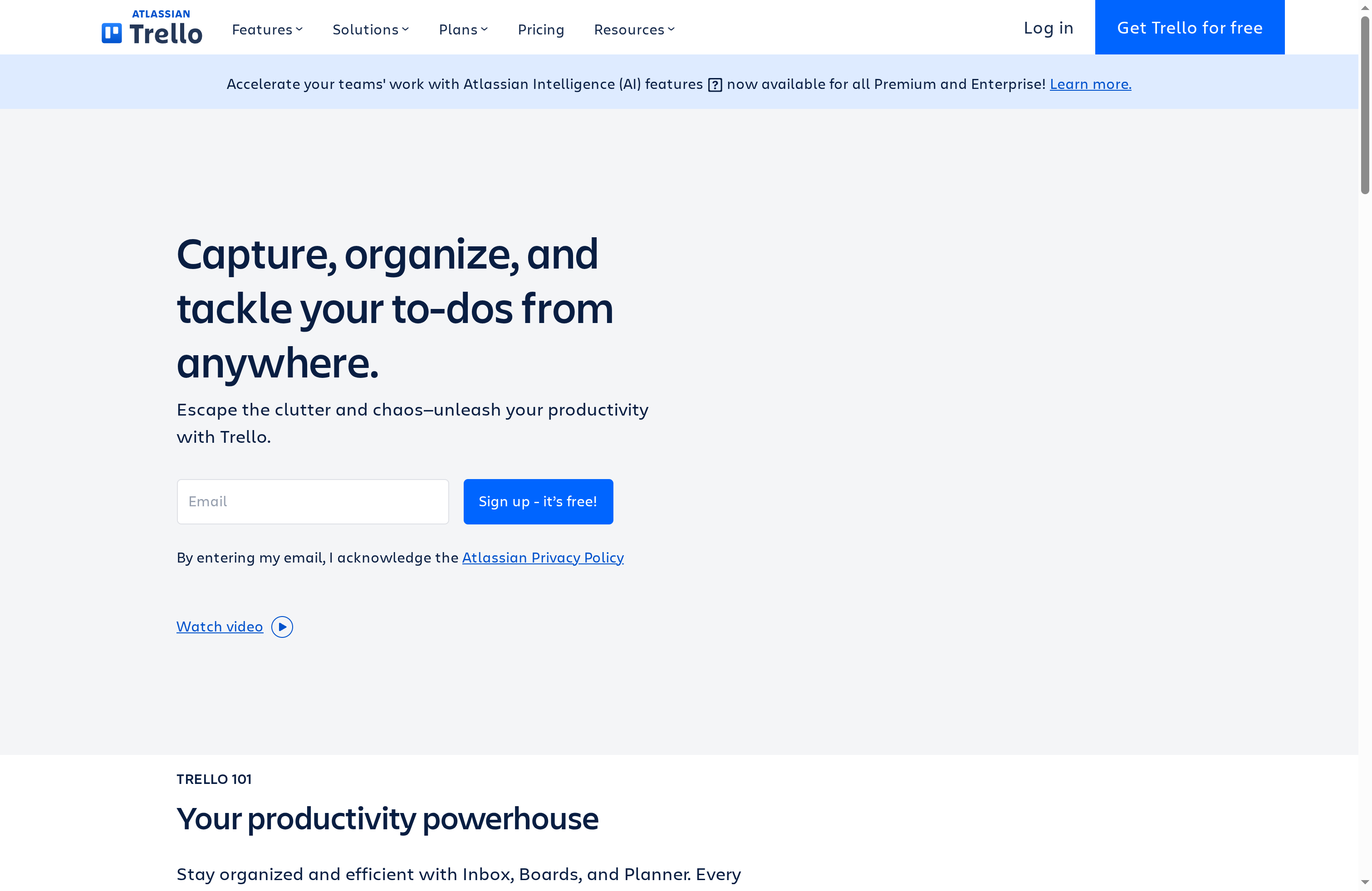
Trello is a visual, board-based project and task manager that gets teams moving fast. Sign up, create a board, and you can begin organizing tasks in minutes — ideal for students and young professionals who need low-friction tools. It shines with flexible boards, Butler automation, and a large ecosystem of power-ups, but larger projects can feel cluttered and some advanced capabilities live behind paid tiers.
Core Features
Trello centers on board creation for project management and task tracking, using lists and cards to represent workflows and task states. The visual layout makes progress immediately visible, and built-in resource hubs keep project information accessible. Butler automation handles repetitive actions, while power-ups add templates, calendar/timeline/map/table views, and third-party integrations in premium plans.
Pros
- Easy to use with a simple setup process, allowing new teams to start managing work within minutes without heavy onboarding.
- Flexible for various team sizes and projects, adapting from solo task lists to multi-board team workflows.
- Extensive integrations and power-ups let you connect your board to other tools and add views or templates as needed.
- Automation features, via Butler, reduce repetitive work like moving cards, assigning members, or creating checklist items.
- Templates provide quick starts and capture best practices so teams don’t reinvent the wheel each time.
Cons
- Free plan storage is limited to 10MB per file, which quickly constrains teams that share large documents or design assets.
- Advanced features such as multiple views, additional automation, and enhanced security controls are gated behind paid plans, so costs rise with needs.
- Boards and lists can become cluttered on large projects, making it harder to maintain a clear single source of truth.
Who It’s For
Trello fits teams and organizations of all sizes that prefer visual task boards and simple workflows. It’s especially strong for marketing squads, student project groups, startup teams, and distributed collaborators who need a lightweight hub for planning and day-to-day coordination.
Unique Value Proposition
Trello’s main strength is its low barrier to entry combined with a visual system that scales through power-ups and automation. You get fast setup and immediate visibility, plus the option to progressively add integrations and features as your needs grow.
Real World Use Case
A marketing team uses Trello to plan campaigns, track content creation, and coordinate remote contributors. They use templates for repeatable campaign stages, power-ups for calendar and timeline views, and Butler rules to auto-assign reviewers — saving time and keeping everyone aligned across locations.
Pricing
Free plan available; Standard at $5/user/month; Premium at $10/user/month; Enterprise at $17.50/user/month (billed annually).
Website: https://trello.com
Asana

At a Glance
Asana is a robust work management platform built to help teams organize, track, and manage work from day-to-day tasks to strategic goals. It combines task and project management, workflow automation, goals and reporting, and resource management into a single, scalable product. Trusted by many organizations — including a significant share of Fortune 100 companies — Asana scales from individual contributors to large enterprise teams. Bottom line: it’s powerful and flexible, but that breadth brings complexity and cost for larger teams.
Core Features
Asana’s core capabilities center on structured task and project management with flexible views and workflow automation. It supports goals and reporting to connect day-to-day work to strategic objectives, and offers resource management to balance capacity across teams. App integrations (over 300) allow you to plug Asana into collaboration and productivity stacks, and the platform also offers AI-based features to help speed repetitive work. These core elements are designed to cover campaign management, creative production workflows, project intake, and organizational planning — all from the same workspace.
Pros
- Comprehensive project management tools: Asana provides a full set of features for tasks, projects, goals, and resource planning that let teams centralize work and reduce context switching.
- Strong integration ecosystem: With over 300 app integrations, Asana connects to most collaboration and enterprise tools, keeping data in sync across systems.
- Customizable workflows and automation: Built-in automation lets teams automate repetitive steps and enforce processes without relying on manual handoffs.
- Widely trusted by large enterprises: A significant portion of large companies rely on Asana, which speaks to its scalability and enterprise-focused features.
- Offers AI-based features to enhance productivity: Asana includes AI-assisted capabilities designed to streamline routine work and speed up planning.
Cons
- Pricing can be high for larger teams or enterprise plans: Costs escalate as teams grow and advanced features or enterprise controls are required.
- Learning curve for new users due to extensive features: The platform’s depth means new users may need time or training to use advanced capabilities effectively.
- Some limitations in free tier for larger scale needs: The free plan covers individuals and small teams, but larger or more complex use cases quickly need a paid tier.
Who It’s For
Asana is ideal for teams and organizations of all sizes that need a comprehensive, scalable work management solution. If your group relies on structured project workflows, needs integrations with existing tools, and plans to scale processes across multiple teams, Asana fits well. It’s especially useful for marketing, creative, and operations teams that juggle campaigns, deadlines, and cross-functional dependencies.
Unique Value Proposition
Asana’s strength lies in combining deep project and portfolio capabilities with extensive integrations and automation. That combination lets organizations translate strategic goals into tracked work while reducing manual coordination. In short: it’s an all-in-one work management backbone for teams that expect to scale.
Real World Use Case
A marketing team uses Asana to coordinate campaign launch timelines, automate repetitive admin tasks like asset approvals, and track team goals that align with broader company objectives. The result is clearer accountability and smoother handoffs between creative, product, and analytics teams.
Pricing
Starting at $0 (Free tier available); paid plans from $10.99 per user per month to custom enterprise solutions.
Website: https://asana.com
ClickUp
At a Glance
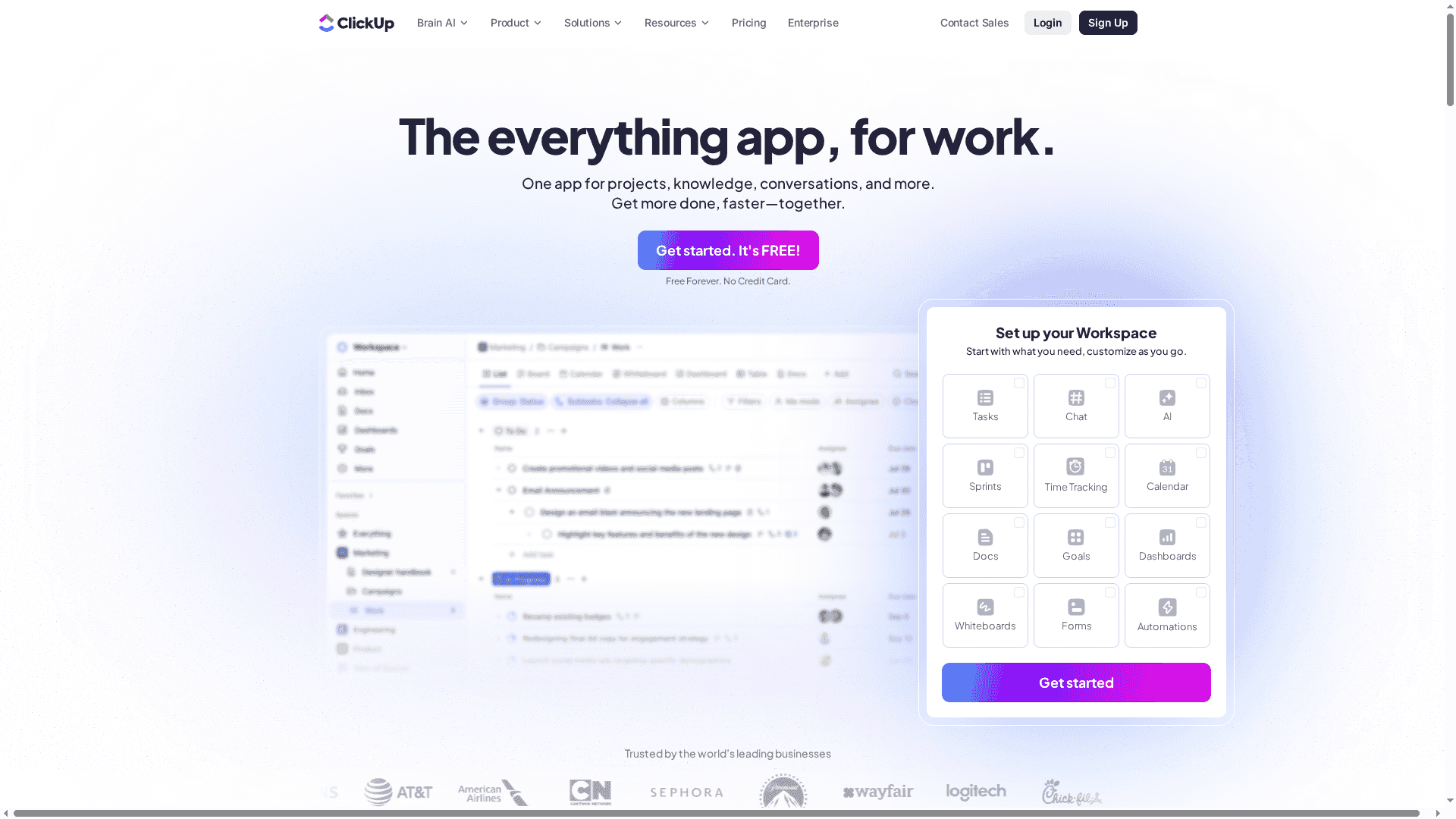
ClickUp is an all-in-one work management platform built to consolidate tools, automate workflows, and surface AI-powered assistance across teams. With over 100 features, it aims to replace multiple apps by offering task management, docs, time tracking, and project views like Gantt and boards. It’s powerful and flexible, but that power comes with a learning curve and the risk of feature overload for smaller teams. Bottom line: excellent for teams that want one platform to do everything, less ideal if you need something ultra-simple.
Core Features
ClickUp combines task management, AI agents and automation, document/wiki management, time tracking, and multiple planning views (list, board, calendar, Gantt). Those pieces are tightly integrated so tasks link to docs, time entries feed into reports, and automations reduce repetitive work. The platform also emphasizes customization — you can adapt views, statuses, and workflows to match how your team actually works instead of shoehorning work into rigid templates.
Pros
- Comprehensive feature set covering multiple work needs: ClickUp includes task tracking, docs, time tracking, Gantt charts, and AI tools in one place, reducing the need for multiple apps.
- High customizability and flexibility: You can tailor views, statuses, and automations to fit distinct team workflows rather than forcing a one-size-fits-all process.
- Strong AI integration for productivity boosts: Built-in AI agents and automation help take over repetitive tasks and suggest improvements to workflows.
- Good scalability for teams of various sizes: ClickUp supports solo users up to enterprise organizations with feature depth that grows with team complexity.
- Free forever plan available: There’s a no-cost tier for individuals and small teams to start using core functionality without commitment.
Cons
- Complex interface that may require learning curve: The sheer number of features and customization options can feel overwhelming and take time to master.
- Potential for feature overload for small teams: Small teams that need only basic task lists may find ClickUp’s breadth unnecessary and distracting.
- Pricing can be high for large teams: Although affordable at entry levels, costs can scale up as you add more users and advanced features.
Who It’s For
ClickUp is best for teams and organizations that want an all-in-one, customizable platform — project managers, marketing and development teams, and enterprises that need scalability and deep integrations. If you value consolidation over single-purpose simplicity, ClickUp fits.
Unique Value Proposition
ClickUp’s unique strength is its breadth: one platform that replaces multiple apps while offering deep customization and AI-assisted automation. That combination reduces app switching and centralizes work data in a single workspace.
Real World Use Case
A marketing team uses ClickUp to plan campaigns, coordinate creative assets, automate recurring task assignments, and track goals in Gantt and calendar views — cutting down context switching and speeding campaign execution.
Pricing
Starting at $7 per user/month with a free plan available; enterprise solutions are custom-priced.
Website: https://clickup.com
Project Management Tools Comparison
This table provides a comparison of various project management tools, highlighting their core features, target users, pros, cons, and pricing.
| Tool | Core Features | Target Users | Pros | Cons | Pricing |
|---|---|---|---|---|---|
| Optio Station | Visual task management, Google Calendar sync | Students, young professionals, early adopters | User-driven development, simplicity, visual organization | Limited to Samsung/Android (beta), early-stage experience | Free (Beta) |
| Trello | Board-based management, Butler automation | Teams needing visual boards and flexibility | Easy setup, integrations, power-ups, automation | Limited free storage, clutter in large projects | Free, $5-$17.50/user/month |
| Asana | Task/project management, automation | All sizes, especially for marketing/operations | Comprehensive tools, strong integrations, AI features | Pricing for large teams, learning curve | Free, $10.99/user/month and up |
| ClickUp | All-in-one with docs, time tracking, AI tools | Teams needing comprehensive, customizable platform | Comprehensive feature set, customization, scalability | Learning curve, potential feature overload for small teams | Free, $7/user/month and custom enterprise pricing |
Take Command of Your Team Management Challenges Today
Managing diverse teams while keeping tasks prioritized and deadlines on track can often feel overwhelming. If you are seeking a simple yet powerful solution tailored for students and young professionals, Optio Station understands your need to break down big goals into clear, actionable steps without the clutter. This app embraces the role of your second-in-command, helping you master task, team, and time management with a user-focused design inspired by clear command structures and color-coded priorities.

Ready to lead your projects with confidence and clarity? Explore practical strategies and tips inside our ProductivityThoughts category, get expert guidance on optimizing your workflow via CenturionTips, and learn why so many young professionals trust Optio Station as their go-to management tool. Visit Optio Station now and take the first step to streamline your task and team coordination. Don’t wait—start shaping your team management success today.
Frequently Asked Questions
What features should I look for in the best team management software?
The best team management software should include features like task assignment, project tracking, collaboration tools, and reporting capabilities. Assess your team’s specific needs, and prioritize software that simplifies workflow and enhances communication.
How can I determine which team management software fits my team’s size and needs?
Evaluate your team’s size, project complexity, and preferred work processes. Create a checklist of essential features, and trial a few options to see which tool aligns best with your workflow and team dynamics.
How can team management software improve project completion times?
Using effective team management software can streamline task allocation and enhance accountability, which can reduce project completion times by around 20%. Start by setting clear deadlines and utilizing built-in reminders to keep team members on track.
What is the typical learning curve for team management software?
The learning curve varies by software, but most tools are designed to be user-friendly, allowing teams to become proficient within a few days to weeks. Provide training sessions and encourage practice to help your team adapt quickly.
How can I effectively implement team management software within my organization?
To implement team management software successfully, start with a pilot program involving a small group of users. Gather feedback, refine the setup, and gradually roll it out to the entire organization for smoother adoption.
Is there a significant cost difference between free and paid team management software?
Yes, there is often a notable difference in features and support levels between free and paid options, with paid plans typically offering advanced functionalities. Compare the core features of each option to assess if the costs align with your team’s requirements.
Recommended
- Best Task Management Software: Complete Guide – Optio Station: Best Project Management App for Prioritization
- How to Manage Team Tasks Effectively for Success – Optio Station: Best Project Management App for Prioritization
- How to Improve Teamwork for Success in College and Work – Optio Station: Best Project Management App for Prioritization
