

Did you know that over 70 percent of professionals struggle to keep track of their daily tasks? Staying organized can feel impossible with emails, deadlines, and team projects all piling up. Task management software steps in to handle the chaos, offering modern solutions that fit every work style. Whether you want clear priorities or smoother teamwork, using the right digital tools can help you regain control and focus on what matters most.
Key Takeaways
| Point | Details |
|---|---|
| Task Management Software | Provides a structured approach for organizing and optimizing work tasks, enhancing productivity in various contexts. |
| Critical Features | Essential tools include time tracking, automation, mobile access, and collaboration to improve workflow efficiency. |
| Diverse Tools | Different platforms cater to specialized needs; choosing the right tool depends on team size and workflow requirements. |
| Cost Awareness | Be mindful of hidden costs and implementation pitfalls to ensure successful adoption and long-term value from the software. |
Table of Contents
- Defining Task Management Software And Core Functions
- Types Of Task Management Tools For Every Need
- Critical Features For Students And Professionals
- Comparing Top Task Management Software Options
- Costs, Limitations, And Common Pitfalls
Defining Task Management Software and Core Functions
Task management software represents a digital solution designed to help individuals and teams organize, track, and optimize their work processes. Discover why managing tasks matters more than ever in today’s fast-paced professional environments. These digital platforms transform how we plan, execute, and monitor tasks across personal and professional domains.
At its core, task management software provides a structured system for breaking down complex projects into manageable components. According to research from productivity experts, critical features typically include:
- Kanban boards for visual task organization
- Time tracking capabilities to monitor productivity
- Automation tools to reduce manual workflow steps
- Mobile accessibility for managing tasks on the go
- Collaboration features enabling team communication
These integrated tools go beyond simple to-do lists. They create comprehensive ecosystems that adapt to different work styles and project complexities. Whether you’re a student juggling academic assignments or a young professional managing multiple work streams, task management software provides the technological backbone for staying organized and efficient. The right platform can dramatically reduce cognitive load, helping you focus on executing tasks rather than constantly remembering them.
Types of Task Management Tools for Every Need
Task management tools aren’t one-size-fits-all solutions. Learn how to keep track of tasks effectively by understanding the nuanced landscape of available platforms. According to research from productivity experts, task management tools span a diverse range of specialized functionalities designed to meet specific team and workflow requirements.
Collaboration-Focused Tools cater to teams needing seamless communication and shared workspaces. As research indicates, platforms like:
- Wimi: Excels in real-time team communication
- Chanty: Ideal for small teams with Kanban boards
- Bitrix24: Offers comprehensive CRM integrations
Specialized Workflow Tools target specific professional contexts. According to industry analysis, these include:
- Notion: Highly customizable workspace
- Airtable: Flexible database-style task tracking
- nTask: Budget and finance-oriented management
- ProofHub: Designed for creative agency workflows
The key is matching your tool’s capabilities with your team’s unique requirements. Modern task management platforms recognize that productivity isn’t about rigid structures, but adaptive systems that flex around your specific work style. Whether you’re a solo entrepreneur, a startup team, or a large enterprise, there’s a task management solution waiting to transform how you work.
Critical Features for Students and Professionals
Task management isn’t about tracking every single item but strategically organizing your most important work. Discover the best organization tools for students and professionals seeking peak productivity. The right features can transform how you approach work and academic challenges.
One of the most powerful techniques is timeblocking, which research shows can dramatically improve task completion. According to studies, this method enables users to complete up to 53% more tasks by creating structured, focused work periods. Key timeblocking strategies include:
- Allocating specific time slots for different task types
- Minimizing context switching
- Creating realistic daily plans
- Reducing overall work-related stress
Advanced Tracking Features separate exceptional task management tools from basic to-do lists. For tech-savvy users, open-source solutions like Taskwarrior offer robust capabilities:
- Command-line task tracking
- Alignment with Getting Things Done principles
- Support for task recurrences and priorities
- Flexible tagging systems
- Synchronization across multiple devices
Whether you’re a student managing complex academic projects or a professional juggling multiple responsibilities, the right task management approach can be a game-changer. It’s about creating a system that adapts to your unique workflow, helping you stay focused, organized, and consistently productive.
Comparing Top Task Management Software Options
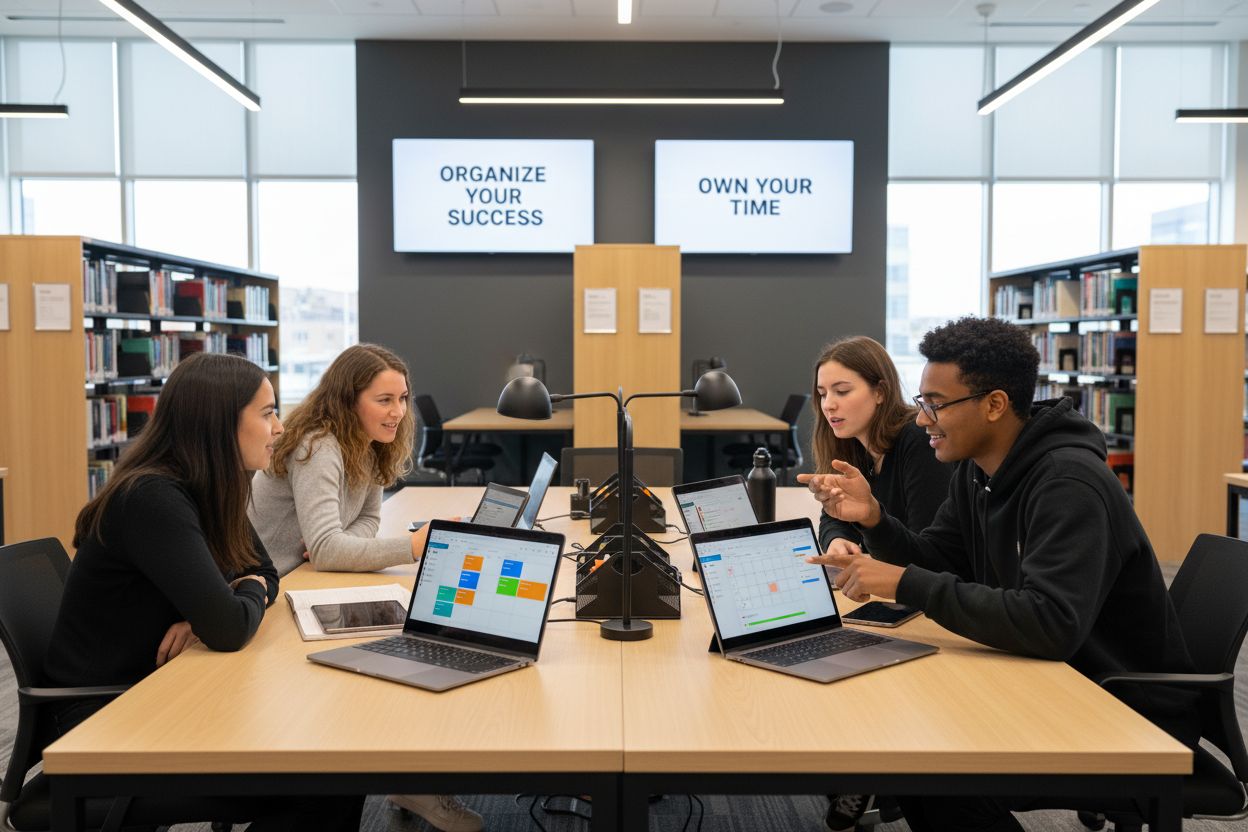
Discover how to manage team tasks effectively by understanding the strengths of different task management platforms. Recent research highlights a diverse ecosystem of tools catering to varied professional needs, each with unique capabilities designed to streamline workflow and boost productivity.
According to comparative analyses, top task management software options break down into several key categories:
-
Productivity Powerhouses
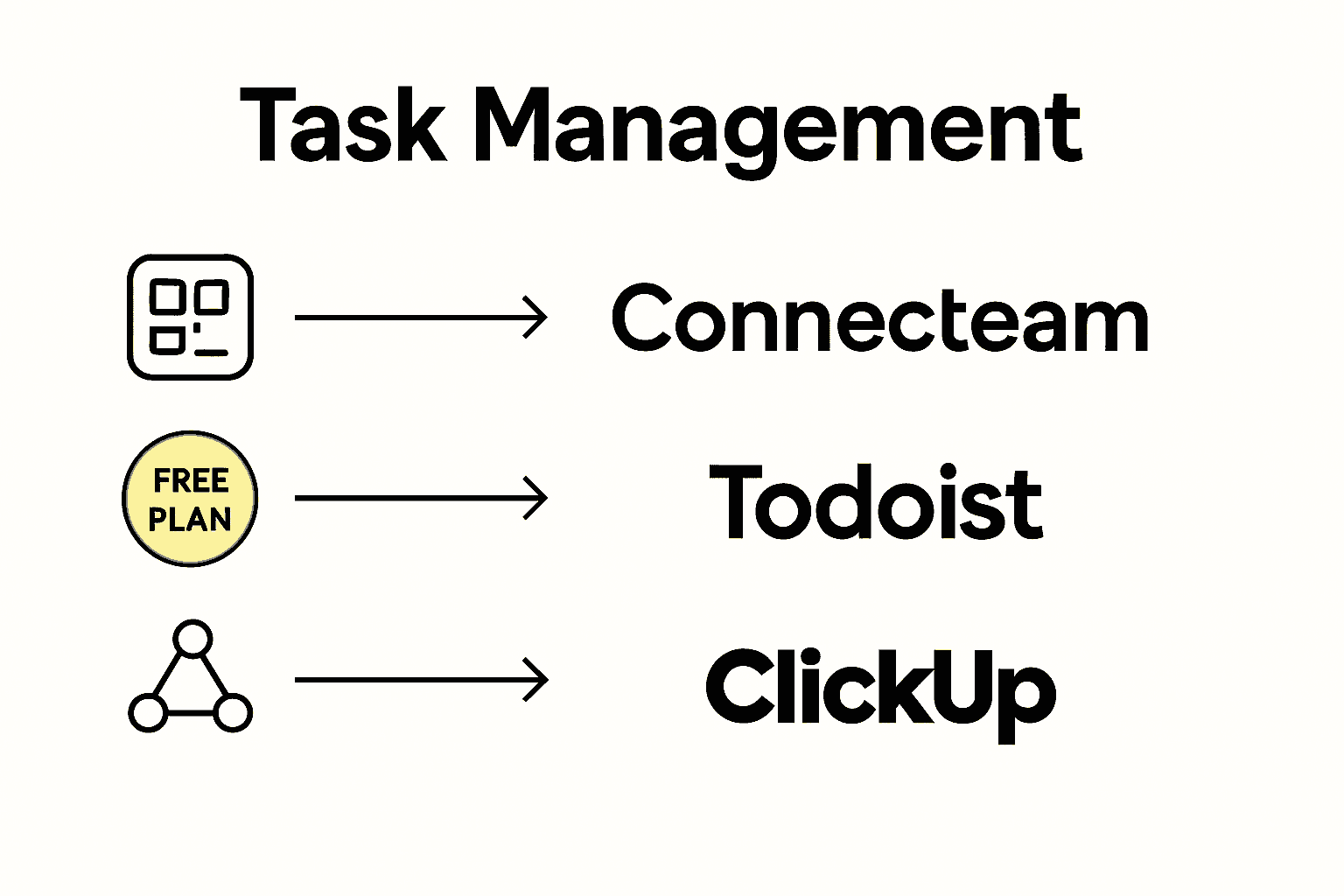
- Connecteam: Best overall platform
- Todoist: Most comprehensive free option
- ClickUp: Exceptional all-in-one solution
-
Specialized Workflow Tools
- Monday.com: Visual workflow management
- Asana: Enterprise-level automation
- Trello: Simplest Kanban-style interface
- Notion: Highly flexible database tracking
Selecting the Right Tool depends on your specific requirements. Enterprise teams might gravitate toward Asana’s robust automation, while freelancers could prefer Todoist’s straightforward interface. Tech-savvy teams might appreciate Jira’s Agile focus, whereas creative professionals might lean into Trello’s visual simplicity.
The modern task management landscape offers something for everyone. From spreadsheet-style interfaces like Smartsheet to comprehensive platforms like ClickUp, the key is finding a tool that matches your workflow’s unique rhythm. Remember, the best software isn’t about having the most features—it’s about finding a system that feels intuitive and actually helps you get more done.
Here’s a comparison of leading task management software and their primary strengths:
| Platform | Core Strength | Ideal For |
|---|---|---|
| Connecteam | All-in-one platform | Teams needing versatility |
| Todoist | Top free functionality | Freelancers, individuals |
| ClickUp | Advanced integrations | Complex workflows |
| Monday.com | Visual work management | Project-driven teams |
| Asana | Enterprise automation | Large organizations |
| Trello | Simple Kanban boards | Creative professionals |
| Notion | Flexible database | Custom workflows |
Costs, Limitations, and Common Pitfalls
Learn about time management tools to avoid unexpected challenges in task management software selection. While these platforms promise increased productivity, navigating their complex pricing structures and potential limitations requires strategic understanding.
Hidden Cost Traps can derail your budget and expectations. According to industry research, many vendors have unadvertised fees that significantly impact total cost of ownership:
- Initial entry prices often look attractive
- Scaling costs can dramatically increase expenses
- Complex setup and management fees aren’t typically upfront
- Additional user licenses can exponentially increase pricing
Common Implementation Pitfalls frequently emerge when organizations select tools without comprehensive evaluation:
- Overestimating team’s technological adaptability
- Choosing feature-rich platforms that overwhelm users
- Neglecting integration capabilities with existing systems
- Underestimating training and onboarding requirements
- Failing to consider long-term scalability
Successful task management software adoption requires more than just picking the shiniest tool. It demands careful assessment of your team’s specific workflow, technological comfort level, and realistic implementation strategy. The cheapest or most feature-packed solution isn’t always the best—alignment with your team’s actual needs is the true measure of success.
Ready to Break Free from Overwhelming To-Do Lists?
Struggling to stay organized as projects and priorities pile up? The guide above highlights one universal challenge: finding a task management system that boosts your focus without getting in the way. Too often, tools lack flexibility or overload you with features you never use. As a student or young professional, you want practical time management—smart prioritization, easy collaboration, and mobile access tailored to how you actually work. If you felt a sense of recognition reading about missed deadlines or messy workflows, you’re not alone.

Experience what empowered productivity feels like. With Optio Station, you get a mobile-first app designed with your unique tasks, team communication, and time needs in mind. Inspired by Roman discipline, Optio Station acts as your second-in-command, helping you conquer daily chaos. Want real tips for owning your day? Visit our ProductivityThoughts or claim actionable strategies from CenturionTips. Stop letting half-finished lists and scattered tasks slow you down. Step into your Centurion role and start simplifying your life with Optio Station today.
Frequently Asked Questions
What are the core functions of task management software?
Task management software typically includes features like Kanban boards for visual task organization, time tracking capabilities, automation tools, mobile accessibility, and collaboration features to streamline workflows and improve productivity.
How do I choose the right task management tool for my team?
Selecting the right task management tool depends on your team’s specific requirements, including communication needs, workflow complexity, and desired features. It’s essential to assess the tools based on their core strengths and how they align with your work style.
What are some advanced features to look for in task management software?
Look for features such as timeblocking capabilities, advanced tracking options, integration with existing tools, and customization abilities. These can significantly enhance your task management experience and help you maintain productivity.
What are common pitfalls to avoid when implementing task management software?
Common pitfalls include overestimating the technological adaptability of your team, choosing overly complex platforms, neglecting necessary integrations, underestimating training needs, and failing to consider long-term scalability. Thorough evaluation is crucial to successful implementation.
Recommended
- How to Keep Track of Tasks at Work Effectively – Optio Station: Best Project Management App for Prioritization
- Understanding Why Manage Tasks for Better Productivity – Optio Station: Best Project Management App for Prioritization
- How to Manage Team Tasks Effectively for Success – Optio Station: Best Project Management App for Prioritization
- 7 Essential Time Management Apps List for Productivity – Optio Station: Best Project Management App for Prioritization
